
The practical decisions behind “How to Create Presentations for Classes”
Treat “How to Create Presentations for Classes” as a communication problem whose first layer appears in “Begin with what students should be able to do.” Design backward from an observable learning outcome.
The practical challenge begins when general advice meets real content, real constraints, and a real audience. What should learners be able to explain or do after the presentation, and how will you know they understood rather than merely recognized the content? Which examples, practice, and feedback will help them transfer the idea to a new situation? The sections ahead use these questions to move from the central idea to concrete decisions, technical criteria, and an applied example.
Begin with what students should be able to do
Define a small number of observable learning objectives before creating slides. The presentation should support those outcomes rather than serve as a complete transcript of the lesson.
Consider prior knowledge and likely misconceptions. A brief opening question, example, or problem can reveal what students already understand and make the purpose of the lesson concrete.
Organize the lesson into manageable segments
Introduce the goal, explain one concept at a time, provide an example, invite practice, and summarize the connection to the larger topic. Use visible section landmarks so students know where they are in the lesson.
Avoid filling slides with the entire spoken explanation. Short labels, diagrams, worked examples, and selected evidence allow the teacher's voice to provide interpretation.
Build participation and accessibility into the design
Pause for retrieval questions, predictions, short discussions, or a step students complete themselves. Interaction should serve the objective and provide information about understanding, not merely add variety.
Use readable type, sufficient contrast, captions or transcripts for media, descriptive labels, and alternatives to color-only meaning. Share review material that remains understandable without the live narration.
Use a visual path for processes and connected concepts
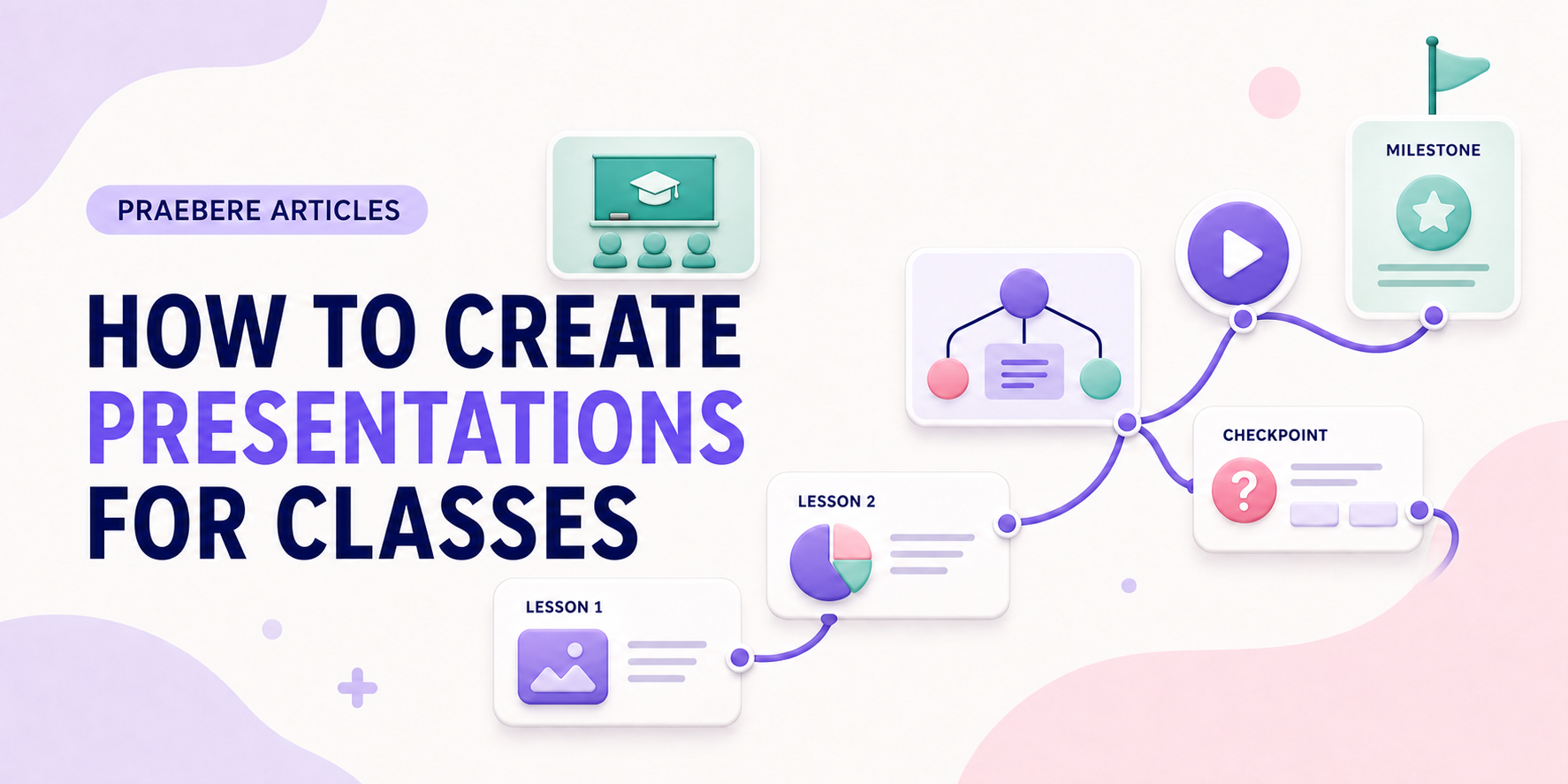
A connected board can show how parts of a system relate while the presentation focuses on one region at a time. Return to the overview between details to reinforce the structure students are building in memory.
Praebere can sequence diagrams, examples, narration, and webcam video into a lesson video. The teacher defines the content and order; camera movement can guide attention through the visual without replacing explanation, practice, or feedback.
Technical implementation notes
Design backward from an observable learning outcome. Separate essential content from supporting detail, activate prior knowledge, model the task, provide guided practice, and then ask learners to retrieve or apply the idea without seeing the answer.
Manage intrinsic complexity through sequencing and worked examples, and reduce extraneous load by removing redundant text, irrelevant motion, and split attention. Use formative checks to reveal misconceptions and provide feedback before the final assessment. The most relevant concepts here are class presentation, teaching slides, educational presentation. Define them when first used and apply each term consistently to an observable element, rule, or outcome.
- Outcome describes what the learner will do
- Example makes expert reasoning visible
- Practice requires retrieval or application
- Feedback explains why an answer works
Worked example: How to Create Presentations for Classes
Imagine teaching a new employee how to approve an expense. State the outcome—correctly classify and route a request—then show one worked example while explaining why each branch is chosen. Follow it with a similar case in which the learner must predict the next step before the answer appears.
Give feedback on the rule, not only “correct” or “incorrect,” and finish with a new case containing an exception. The flowchart remains a reference after the lesson, while retrieval and varied practice reveal whether the learner can actually perform the task.
Conclusion
From begin with what students should be able to do to use a visual path for processes and connected concepts, the discussion treated “How to Create Presentations for Classes” as a set of connected decisions. The example demonstrated how those decisions influence the result when real constraints and edge cases appear.
Our editorial position is straightforward: clear visuals can guide attention, but durable learning must be judged by what people can retrieve, explain, and do afterward. Practice and feedback matter more than how complete the presentation appears.
Create the visual journey
Turn your process into a presentation
Build the diagram, choose the sequence, add narration or webcam video, and preview the camera movement in your browser.
Open Praebere