Business processes
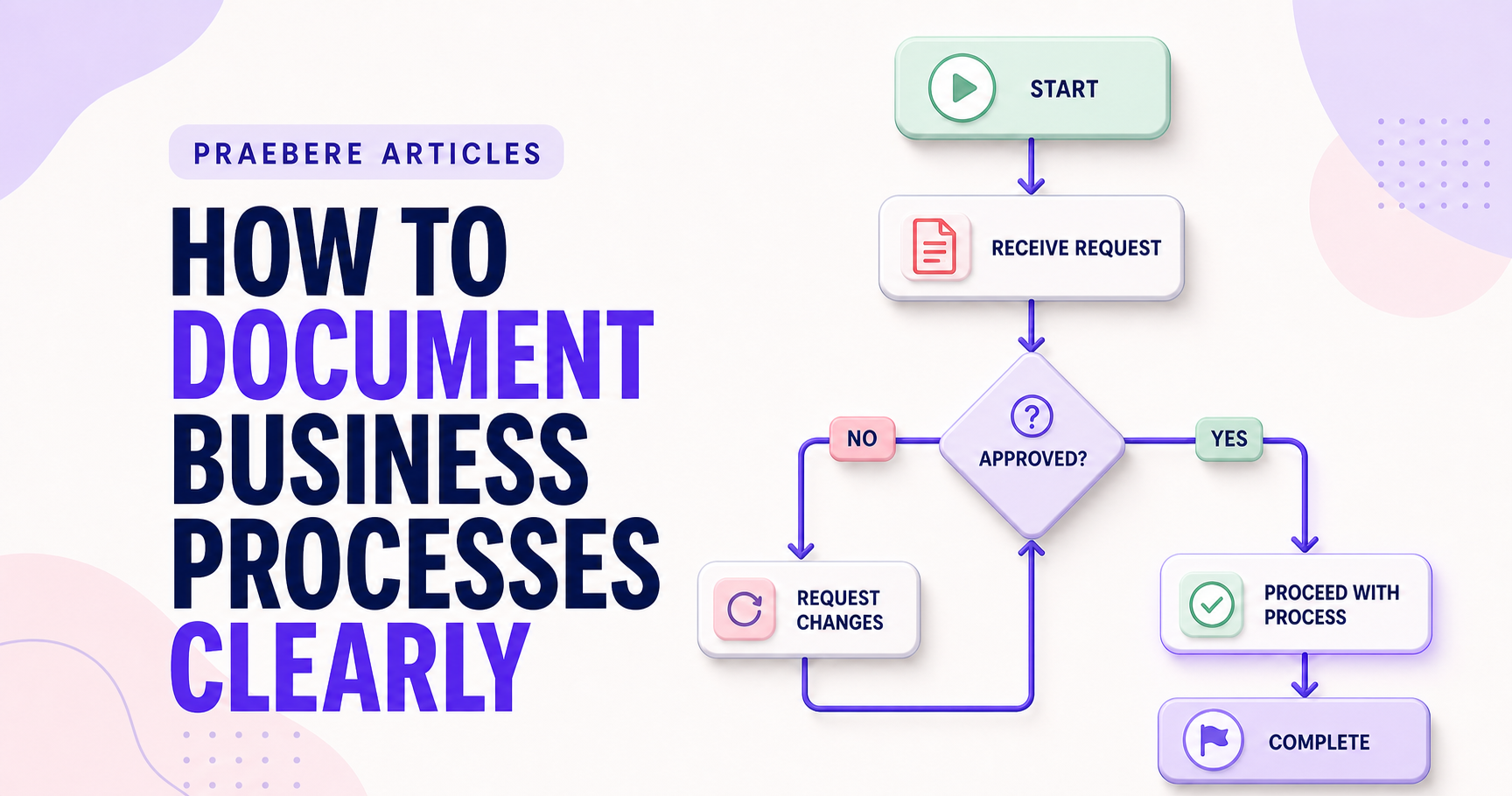
How to Document Business Processes Clearly
Create useful business process documentation by defining scope, mapping the real workflow, assigning ownership, and maintaining evidence and versions.
Read article praebereCreate for free
Visual presentation-to-video maker
Build your visual presentation, define the sequence, and turn each step into a polished video with camera movement, smooth zoom, animation, narration, or webcam video. Everything runs in your browser with no sign-up required.
Free to use · No account · Your work stays on your device
Create visuallyBuild connected ideas on an interactive canvas.
Direct the movementDefine the sequence and guide the camera through each step.
Generate the videoExport a polished result with an edited-video feel.
From diagram to finished video
Praebere combines a full online flowchart maker with a video presentation workflow. Organize processes, define the order of the story, add narration, and move from the big picture to the details without manually editing every camera movement.
Assign an order to shapes and Praebere creates the visual journey with smooth camera zoom and animated transitions between ideas.
Record narration, attach MP3 audio, or add a webcam recording to your video presentation.
Generate a video from the presentation sequence, or download PNG, JPG, SVG, PDF, GIF, animated SVG, and interactive HTML.
Built for clear communication
Use shapes, connectors, waypoints, layers, containers, swimlanes, textures, snap guides, pan, and zoom.
Open Mermaid and Praebere XML, or detect flowcharts from PNG and JPG images with OCR processed in your browser.
No account or server storage is required. Your diagrams are saved locally on your device.
Download a standalone HTML file with the complete editor and keep creating without an internet connection.
One canvas. Many stories.
Map processes, document systems, and turn project decisions into clear explanatory videos.
Structure lessons and create narrated visual videos that guide learners through complex topics.
Plan stories, connect concepts, and turn visual thinking into a polished video presentation.
Learn and create
Guides and practical ideas for organizing information, explaining processes, and presenting visual stories.
146 articles
View allBusiness processes
Create useful business process documentation by defining scope, mapping the real workflow, assigning ownership, and maintaining evidence and versions.
Read articleVisual cognition
Use motion as a controlled attention signal that explains change, continuity, sequence, and causality.
Read articleVisual development
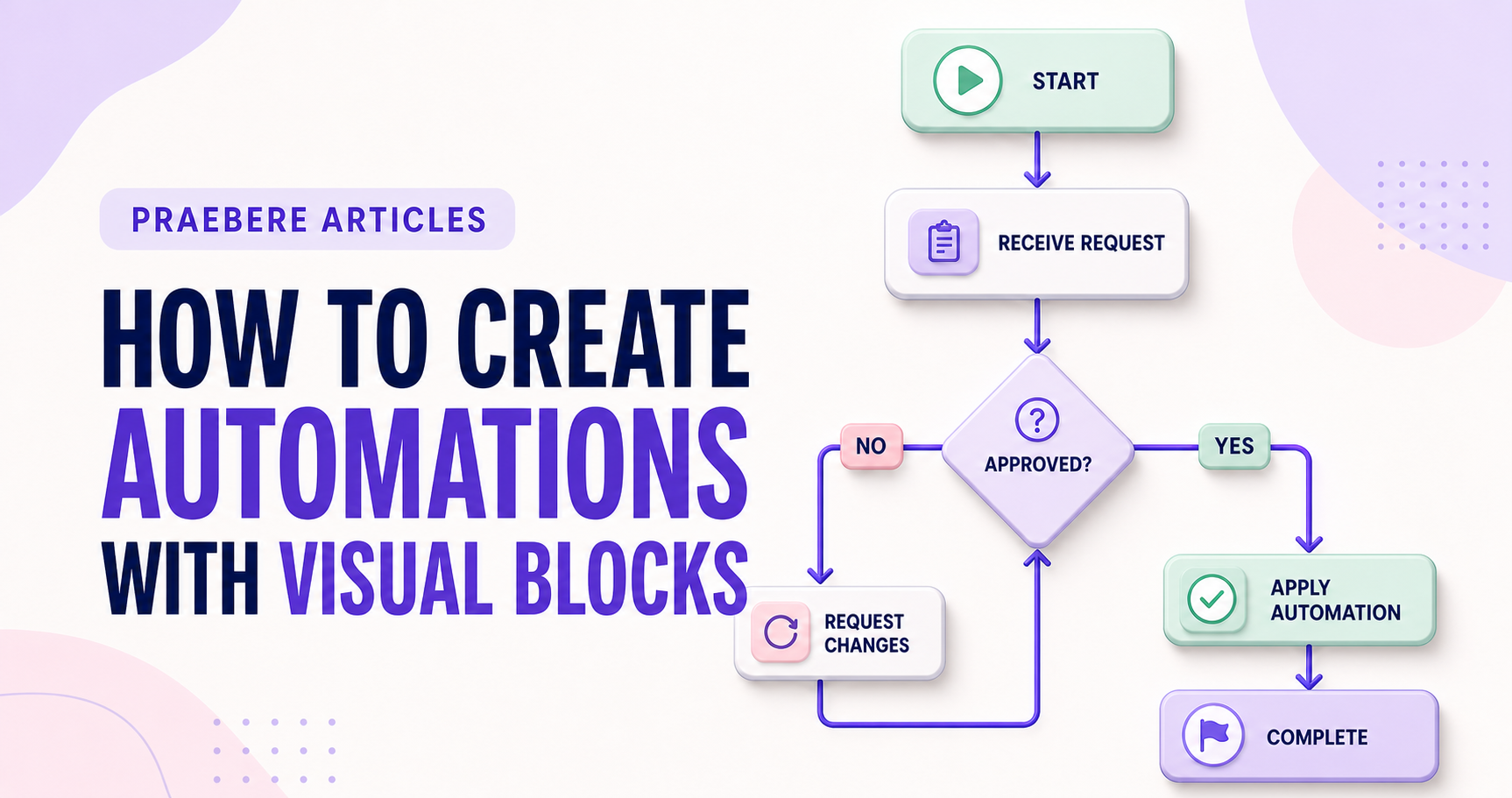
Design reliable visual automations by defining triggers, data contracts, branches, errors, and human checkpoints.
Read articleVisual cognition
Apply attention, grouping, pattern recognition, and prior knowledge to make visual presentations easier to interpret.
Read articleExecutive communication
Explain a complex problem with progressive detail, evidence, scope, consequences, and practical response options.
Read articleScrum
Distinguish the shared quality standard for an Increment from item-specific conditions that clarify expected product behavior.
Read articleVideo presentations
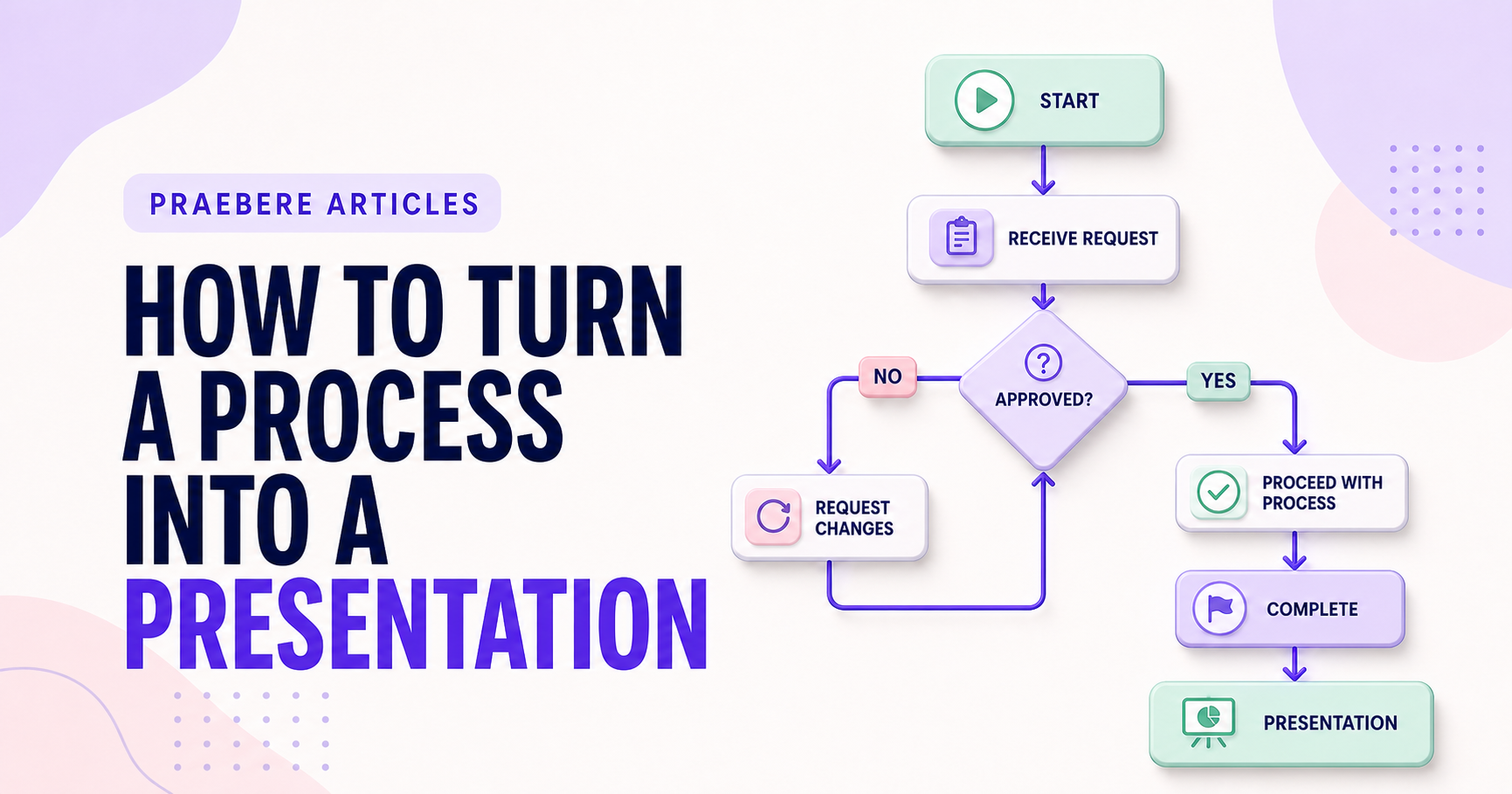
Transform a process map into a clear presentation by defining the audience, selecting a narrative path, controlling detail, and using motion with purpose.
Read articleSoftware architecture
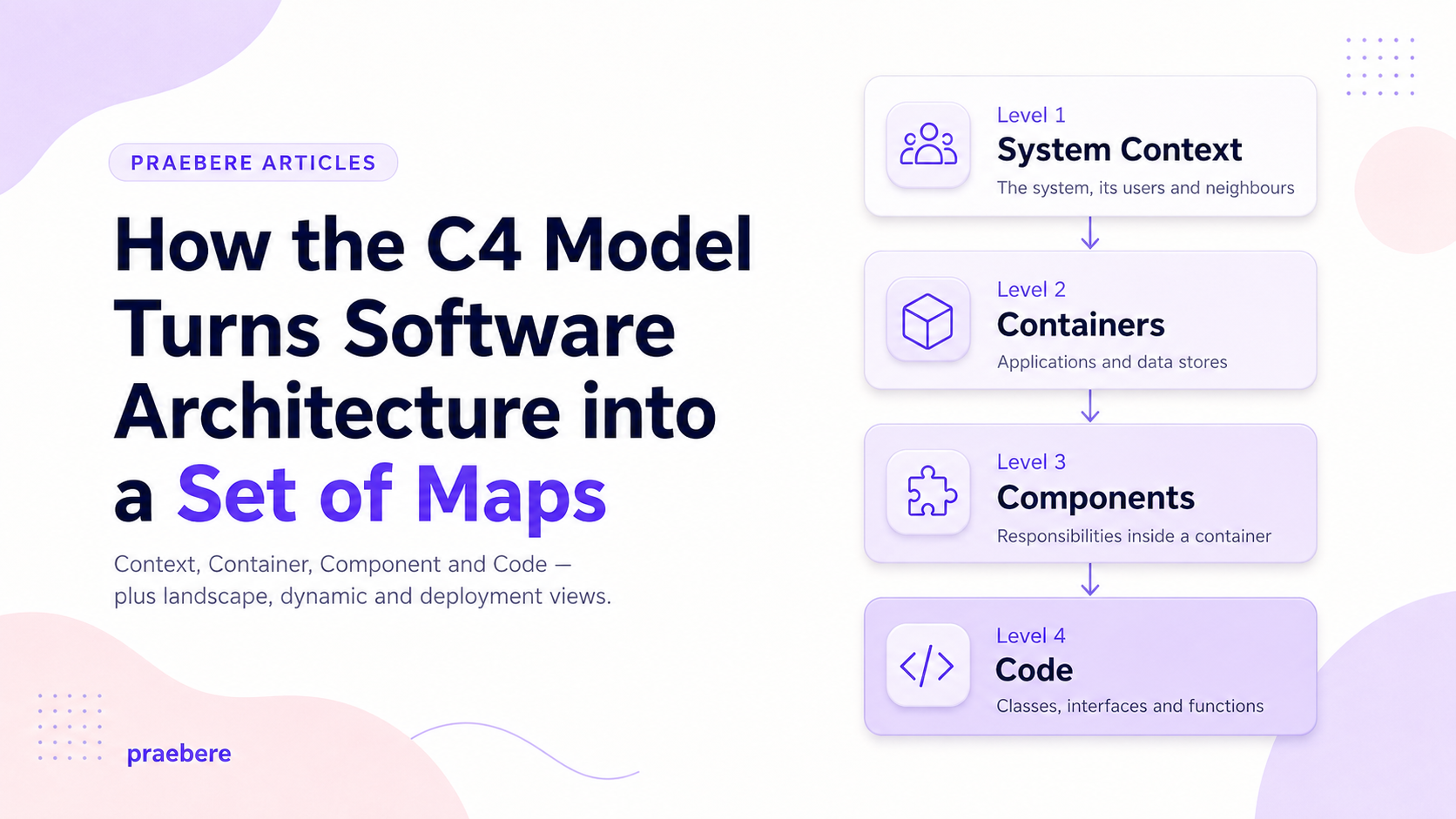
A complete guide to the C4 Model: its history, core abstractions, the four main diagrams, supporting views, notation, a practical process, tooling, governance, antipatterns, and a full Praebere case study.
Read articleData visualization
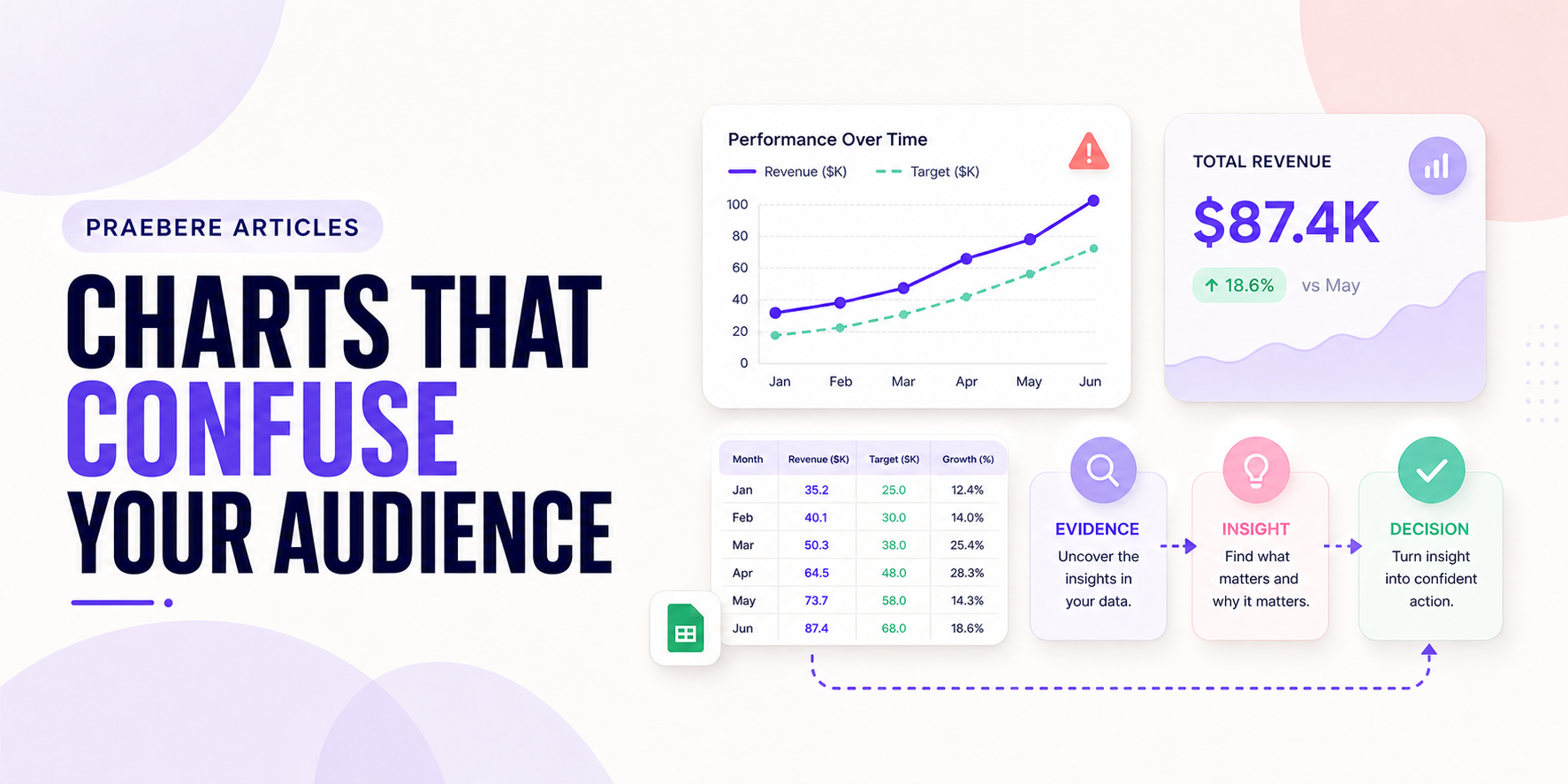
Recognize chart choices that hide comparisons, overload readers, distort scale, or make labels and visual encodings difficult to interpret.
Read articleScrum
Turn retrospective observations into safe discussion, causal learning, owned experiments, and improvements that affect the next Sprint.
Read articleInteraction design
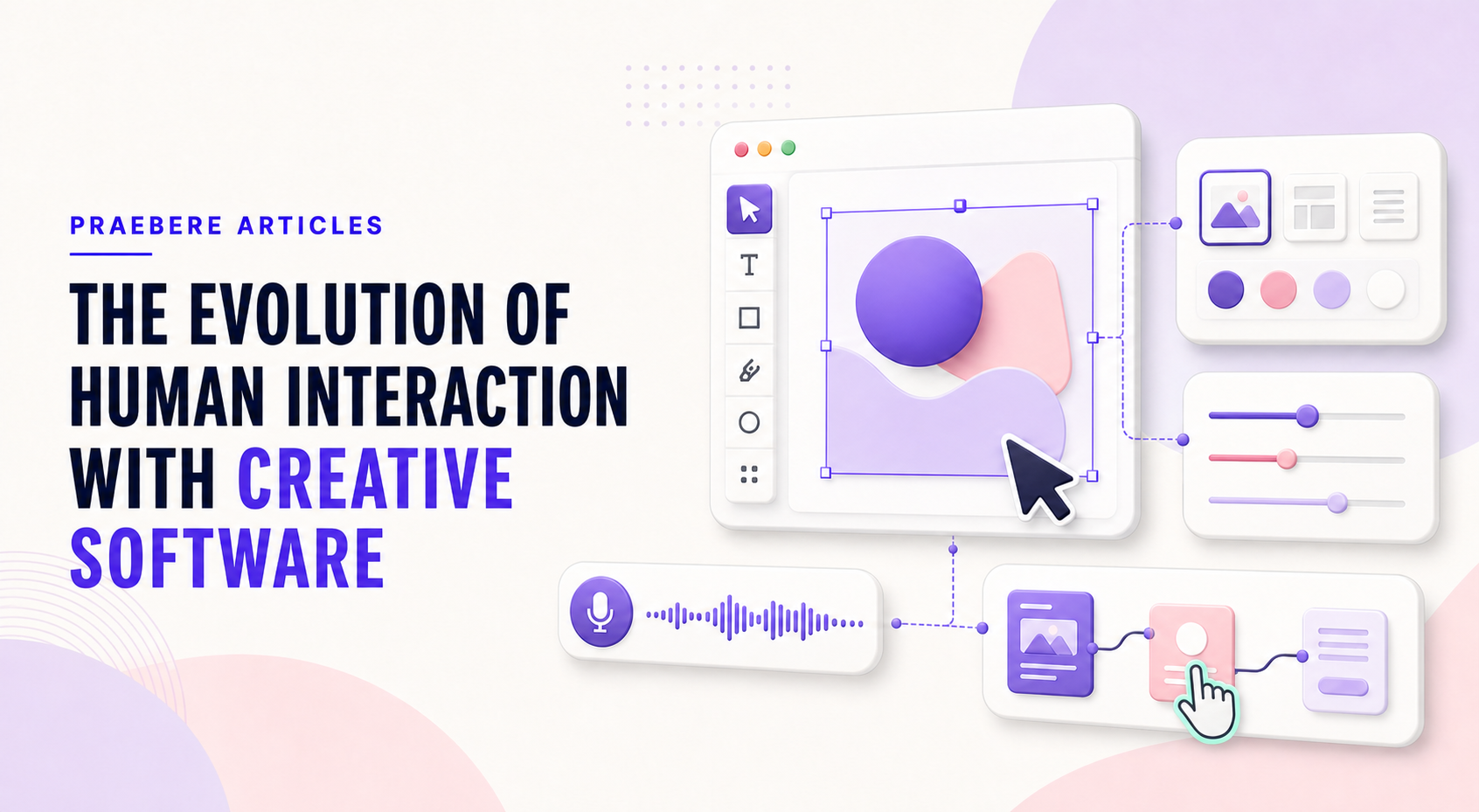
Explore how creative software evolved from command-driven systems to graphical interfaces, direct manipulation, touch, collaboration, and emerging conversational controls.
Read articlePresentation delivery
Hold attention with a clear purpose, meaningful structure, visual variety, deliberate pacing, and audience-centered delivery.
Read articleFrequently asked questions
Yes. Praebere is a free online flowchart and presentation maker that runs in your browser. It requires no sign-up or account, and your work is saved locally on your device.
Create or import a flowchart, assign an order to its shapes, and start presentation mode. Praebere moves through each step with smooth camera zoom and can play voice recordings or MP3 narration.
Yes. Export static PNG, transparent PNG, JPG, SVG, or PDF, plus animated GIF, animated SVG, video, and a standalone interactive HTML presentation. Diagrams can also be saved as Mermaid or XML text.
You define the order of the diagram shapes and optionally add voice recordings or MP3 audio. Praebere follows that sequence with camera movement, smooth zoom, transitions, and connector animations, then exports the result as a video.
Yes. Praebere imports Mermaid flowchart syntax, its own XML format, and can detect flowcharts from PNG and JPG images using local OCR. Image processing happens in your browser.
Yes. You can download a standalone HTML file that runs the complete editor offline, with no installation required.
Start with an idea
Open the editor, define your visual sequence, and transform connected ideas into a video presentation.
Create a video for free