
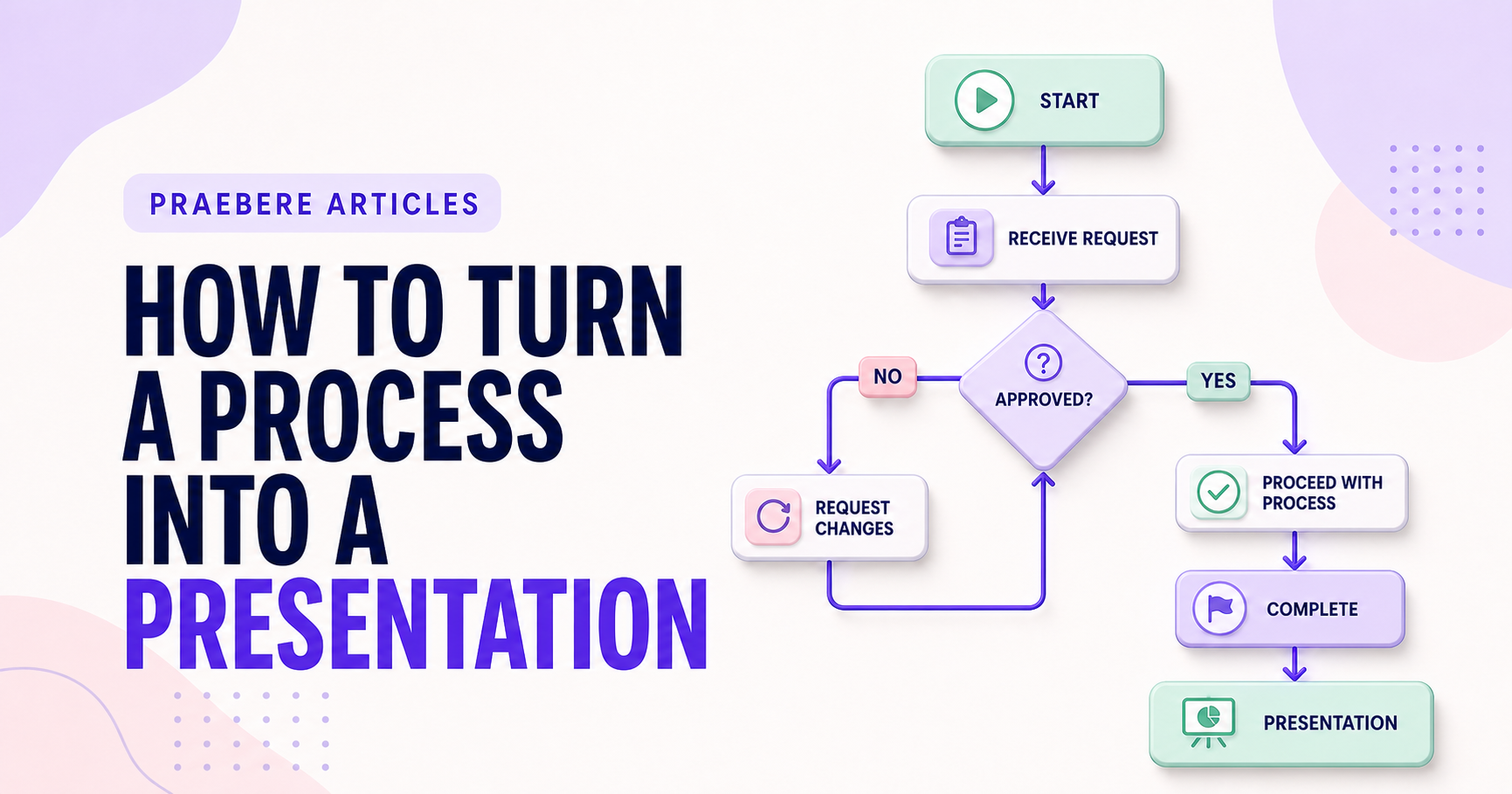
The practical decisions behind “How to Turn a Process Into a Presentation”
The work behind “How to Turn a Process Into a Presentation” starts with a practical concern captured by “Decide what the audience needs from the process.” Plan video as synchronized visual, audio, and temporal tracks.
The practical challenge begins when general advice meets real content, real constraints, and a real audience. Where does the process truly begin and end, who owns each handoff, and what happens outside the ideal path? Could a new participant follow the decisions and exceptions without relying on undocumented knowledge? The sections ahead use these questions to move from the central idea to concrete decisions, technical criteria, and an applied example.
Decide what the audience needs from the process
A complete process document and an effective presentation are not the same artifact. The document supports reference, while the presentation guides attention through a selected message. Define whether the audience needs to perform the process, approve it, improve it, or understand its impact.
Choose one central outcome and remove details that do not support it. Keep necessary exceptions available, but do not introduce every rare case before the main path is understood.
Build a narrative path through the workflow
Begin with the trigger and desired result, then organize the process into a few phases. Introduce roles and inputs when they first become relevant. At decisions, explain the question before revealing each branch.
Use an overview as a landmark and return to it between major phases when the process is large. This helps the audience understand where the current detail belongs in the whole system.
Coordinate visuals, motion, and narration
Movement should follow the logic of the process. Pan between related steps, zoom only when the level of detail changes, and hold each destination long enough to read. Narration should explain meaning rather than repeat every visible label.
Use consistent color and styling for roles, systems, and status. Animate only the current path or element so motion remains a useful attention signal.
Produce the presentation from the process board
Review the sequence without audio, then with narration, to confirm that the visual journey is understandable in both modes. Check text size, framing, pace, and whether branches return to a recognizable point.
Praebere is designed for this workflow: create the diagram, assign an order to its elements, configure camera zoom, add voice or webcam video, and export the sequence. The result preserves the connected process while presenting it with the rhythm of an edited video.
Technical implementation notes
Plan video as synchronized visual, audio, and temporal tracks. Define frame size, aspect ratio, safe areas, shot or camera path, narration objective, media duration, transition purpose, and an audio target that remains intelligible across devices.
Record in a quiet environment, avoid clipping, remove unnecessary pauses, and verify that text remains legible after encoding. Preview the complete export for dropped frames, crop errors, abrupt zoom, audio drift, caption timing, and media permissions. The most relevant concepts here are process presentation, workflow presentation, present a process. Define them when first used and apply each term consistently to an observable element, rule, or outcome.
- Narration adds meaning instead of reading labels
- Camera movement follows the intended sequence
- Audio is clear and free from clipping
- Final encoded file is reviewed from start to finish
Worked example: How to Turn a Process Into a Presentation
Take a purchase request that begins with employee submission and ends with approval, rejection, or revision. Identify the requester, manager, finance team, and system; label the decision thresholds; and add branches for missing receipts, budget exceptions, duplicate requests, and timeout escalation.
Walk through a routine request and two edge cases with process owners. If participants disagree about a branch, record the governing rule and owner instead of choosing the visually simplest route. The corrected diagram can then become the sequence for a narrated presentation.
Conclusion
Taken together, decide what the audience needs from the process, build a narrative path through the workflow, coordinate visuals, motion, and narration, and produce the presentation from the process board show that “How to Turn a Process Into a Presentation” is not an isolated technique. The article connected its central principles to implementation details and a practical case, making the tradeoffs easier to see.
We believe the practical standard should be clear: a polished presentation video comes from synchronizing sequence, camera, visuals, narration, captions, and timing—not from adding effects after the structure is already weak.
Create the visual journey
Turn your process into a presentation
Build the diagram, choose the sequence, add narration or webcam video, and preview the camera movement in your browser.
Open Praebere