
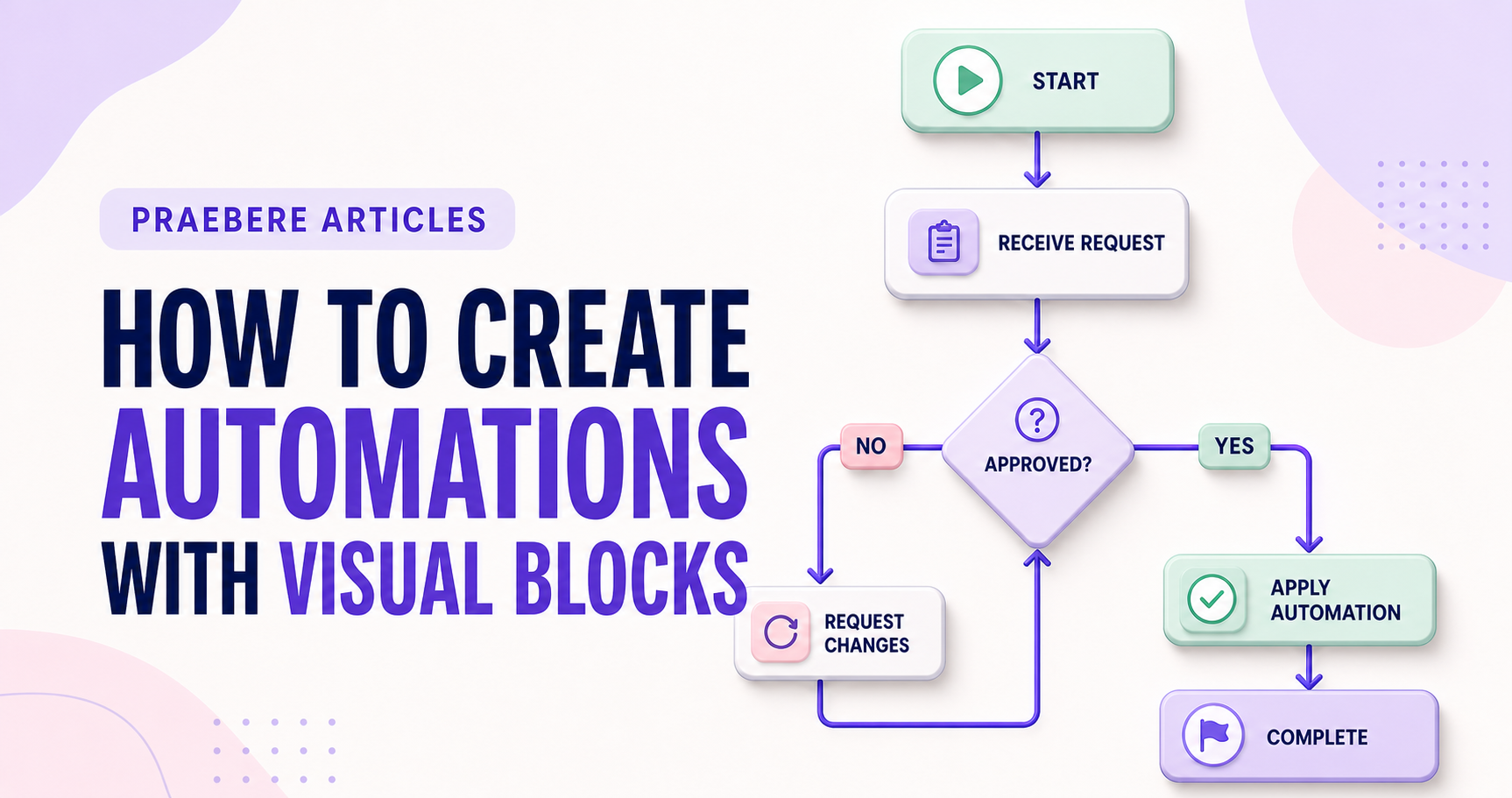
The practical decisions behind “How to Create Automations With Visual Blocks”
The most useful entry point into “How to Create Automations With Visual Blocks” is not decoration, but the problem captured by “Start with a trigger and a measurable outcome.” An executable visual workflow needs precise semantics for triggers, inputs, state, conditions, actions, credentials, timeouts, retries, concurrency, and terminal outcomes.
The practical challenge begins when general advice meets real content, real constraints, and a real audience. When does a visual path become executable behavior rather than a descriptive sketch? What should happen when inputs are invalid, credentials expire, a request is repeated, or one block fails halfway through the workflow? The sections ahead use these questions to move from the central idea to concrete decisions, technical criteria, and an applied example.
Start with a trigger and a measurable outcome
State exactly what starts the automation, what data is required, and what successful completion changes. Then arrange action, decision, delay, and notification blocks around that contract.
Give every connection one meaning. Name branches with explicit conditions such as “approved” and “needs revision” instead of vague labels.
Design failure paths before launch
Add validation, duplicate protection, retries with limits, timeouts, alerts, logs, and a safe manual recovery path. Use least-privilege credentials and separate testing from production.
Visual clarity supports review, but reliability comes from behavior under unexpected conditions. Run representative test cases and monitor both successful and failed executions.
Separate data flow from control flow
For each block, document the expected input type, required fields, produced output, and side effects. Then model control flow: branches, loops, parallel work, waiting, cancellation, and termination. Conditions should compare compatible types and cover false, missing, and unexpected values—not only the successful branch.
Use scopes or subflows to package reusable behavior and to create try, catch, and cleanup patterns. Prevent duplicate side effects with idempotency keys or state checks, especially after retries. Protect secrets, filter sensitive data from logs, and run tests with expired credentials, throttled services, malformed records, and network failures.
- Validate schemas at workflow boundaries
- Name conditions and branches with explicit outcomes
- Limit retries and make repeated operations safe
- Log enough context for recovery without exposing secrets
Technical implementation notes
An executable visual workflow needs precise semantics for triggers, inputs, state, conditions, actions, credentials, timeouts, retries, concurrency, and terminal outcomes. A descriptive arrow is not enough to define runtime behavior.
Design idempotency, validation, logging, observability, access control, secret handling, versioning, rollback, and manual recovery before automating publication or other consequential actions. Test normal, boundary, duplicate, delayed, and failure cases. The most relevant concepts here are visual automation, automation blocks, no-code automation. Define them when first used and apply each term consistently to an observable element, rule, or outcome.
- Inputs and outputs have explicit schemas
- Retries cannot create duplicate side effects
- Secrets and permissions use least privilege
- Failures are observable and recoverable
Worked example: How to Create Automations With Visual Blocks
Suppose a visual automation receives a web form, validates an email address, creates a CRM record, and sends a confirmation. Define the input schema and a stable request identifier before connecting blocks; otherwise a retry may create duplicate contacts or messages.
Add explicit branches for invalid data, CRM timeout, duplicate submission, revoked credentials, and manual review. Log the workflow version and outcome, limit retries, and test the same request twice. The visual path now explains executable behavior rather than merely suggesting an order.
Conclusion
Seen as a whole, the sections on start with a trigger and a measurable outcome, design failure paths before launch, and separate data flow from control flow move from explanation to application. They show that “How to Create Automations With Visual Blocks” depends on both a clear concept and disciplined execution.
The strongest takeaway, in our opinion, is that visual clarity lowers the barrier to understanding, but it never replaces precise runtime semantics, validation, security, observability, and recovery. Reliable visual systems still require serious engineering discipline.
Create the visual journey
Turn your process into a presentation
Build the diagram, choose the sequence, add narration or webcam video, and preview the camera movement in your browser.
Open Praebere