
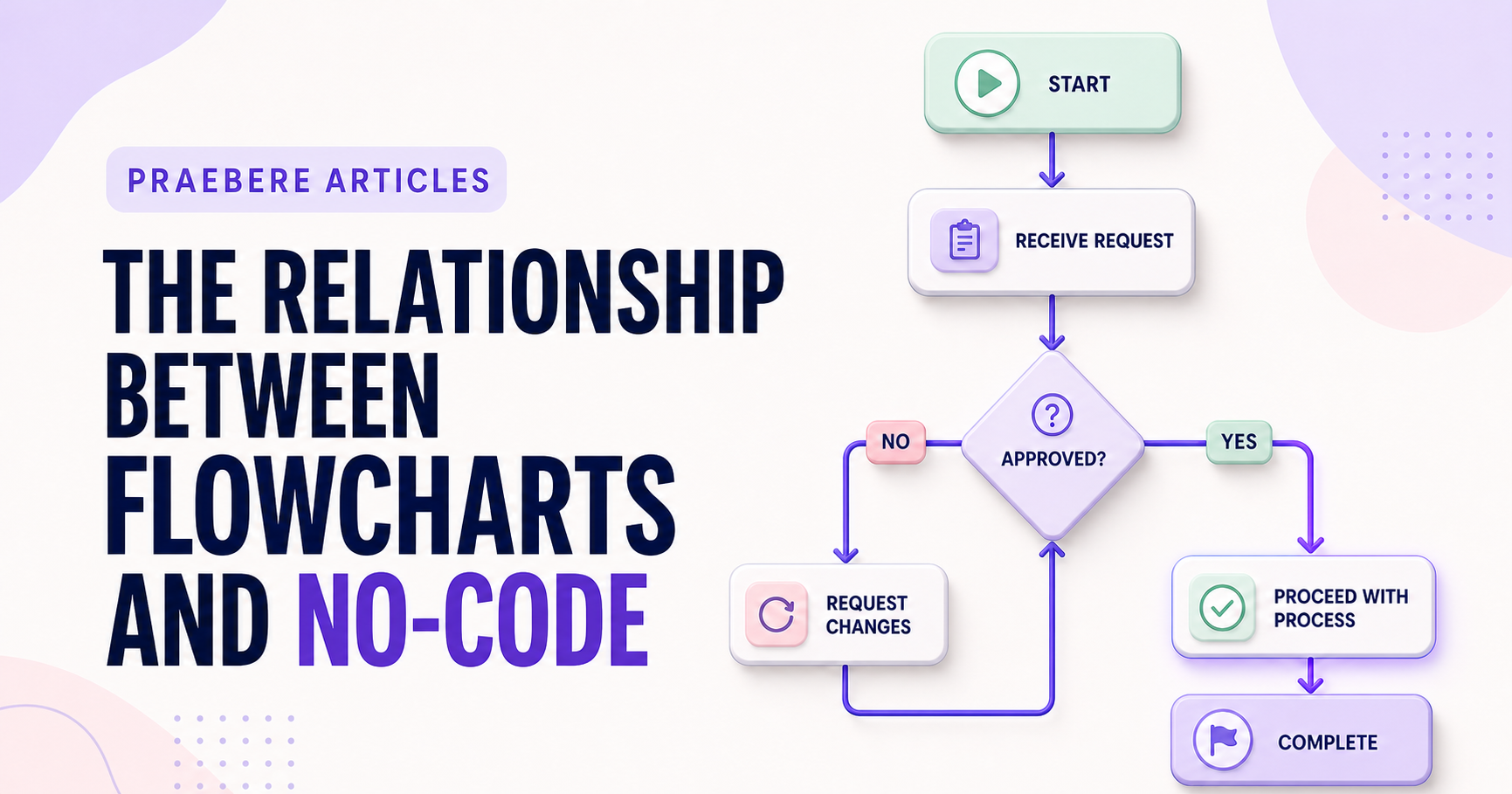
A closer look at the decisions behind “The Relationship Between Flowcharts and No-Code”
Before refining the visuals in “The Relationship Between Flowcharts and No-Code”, it is worth examining the concern behind “They share a visual grammar, not the same purpose.” An executable visual workflow needs precise semantics for triggers, inputs, state, conditions, actions, credentials, timeouts, retries, concurrency, and terminal outcomes.
The practical challenge begins when general advice meets real content, real constraints, and a real audience. What question should the data answer, and could the chosen scale or comparison lead viewers toward the wrong conclusion? Which definitions, baselines, filters, and uncertainties must remain visible before the audience can act on the pattern? The sections ahead use these questions to move from the central idea to concrete decisions, technical criteria, and an applied example.
Translate intent into operational behavior
For each step, identify the system of record, required fields, authorization, failure response, and accountable owner. Preserve a human checkpoint where judgment or irreversible action is involved.
Use the presentation view to align stakeholders and the no-code environment to implement and monitor execution. Keeping the two connected reduces the gap between promised and actual behavior.
Account for the translation gap between explanation and configuration
A business flowchart may say “verify request,” while a no-code workflow needs the exact data source, fields, validation rule, credentials, timeout, and response for that step. Connectors expose triggers and actions that wrap underlying APIs; their available operations, limits, licensing, and authentication determine what the visual process can actually do.
Create a traceability table from each business step to its configured action, input, output, rule, owner, and test. Keep manual activities visible rather than forcing everything into automation. When a connector is missing, compare a custom connector or HTTP API with browser automation, which is usually more sensitive to interface changes.
- Use flowcharts for shared process understanding
- Use the no-code model for executable configuration
- Document connector limits, permissions, and licensing
- Keep business documentation synchronized with the deployed workflow
Technical implementation notes
An executable visual workflow needs precise semantics for triggers, inputs, state, conditions, actions, credentials, timeouts, retries, concurrency, and terminal outcomes. A descriptive arrow is not enough to define runtime behavior.
Design idempotency, validation, logging, observability, access control, secret handling, versioning, rollback, and manual recovery before automating publication or other consequential actions. Test normal, boundary, duplicate, delayed, and failure cases. The most relevant concepts here are flowcharts and no-code, no-code workflow, visual automation. Define them when first used and apply each term consistently to an observable element, rule, or outcome.
- Inputs and outputs have explicit schemas
- Retries cannot create duplicate side effects
- Secrets and permissions use least privilege
- Failures are observable and recoverable
Worked example: The Relationship Between Flowcharts and No-Code
Suppose a visual automation receives a web form, validates an email address, creates a CRM record, and sends a confirmation. Define the input schema and a stable request identifier before connecting blocks; otherwise a retry may create duplicate contacts or messages.
Add explicit branches for invalid data, CRM timeout, duplicate submission, revoked credentials, and manual review. Log the workflow version and outcome, limit retries, and test the same request twice. The visual path now explains executable behavior rather than merely suggesting an order.
Conclusion
Rather than reducing “The Relationship Between Flowcharts and No-Code” to a checklist, the article linked they share a visual grammar, not the same purpose, translate intent into operational behavior, and account for the translation gap between explanation and configuration. That combination explains not only what to do, but also why the choices matter and how to inspect the outcome.
We believe the practical standard should be clear: visual clarity lowers the barrier to understanding, but it never replaces precise runtime semantics, validation, security, observability, and recovery. Reliable visual systems still require serious engineering discipline.
Create the visual journey
Turn your process into a presentation
Build the diagram, choose the sequence, add narration or webcam video, and preview the camera movement in your browser.
Open Praebere