
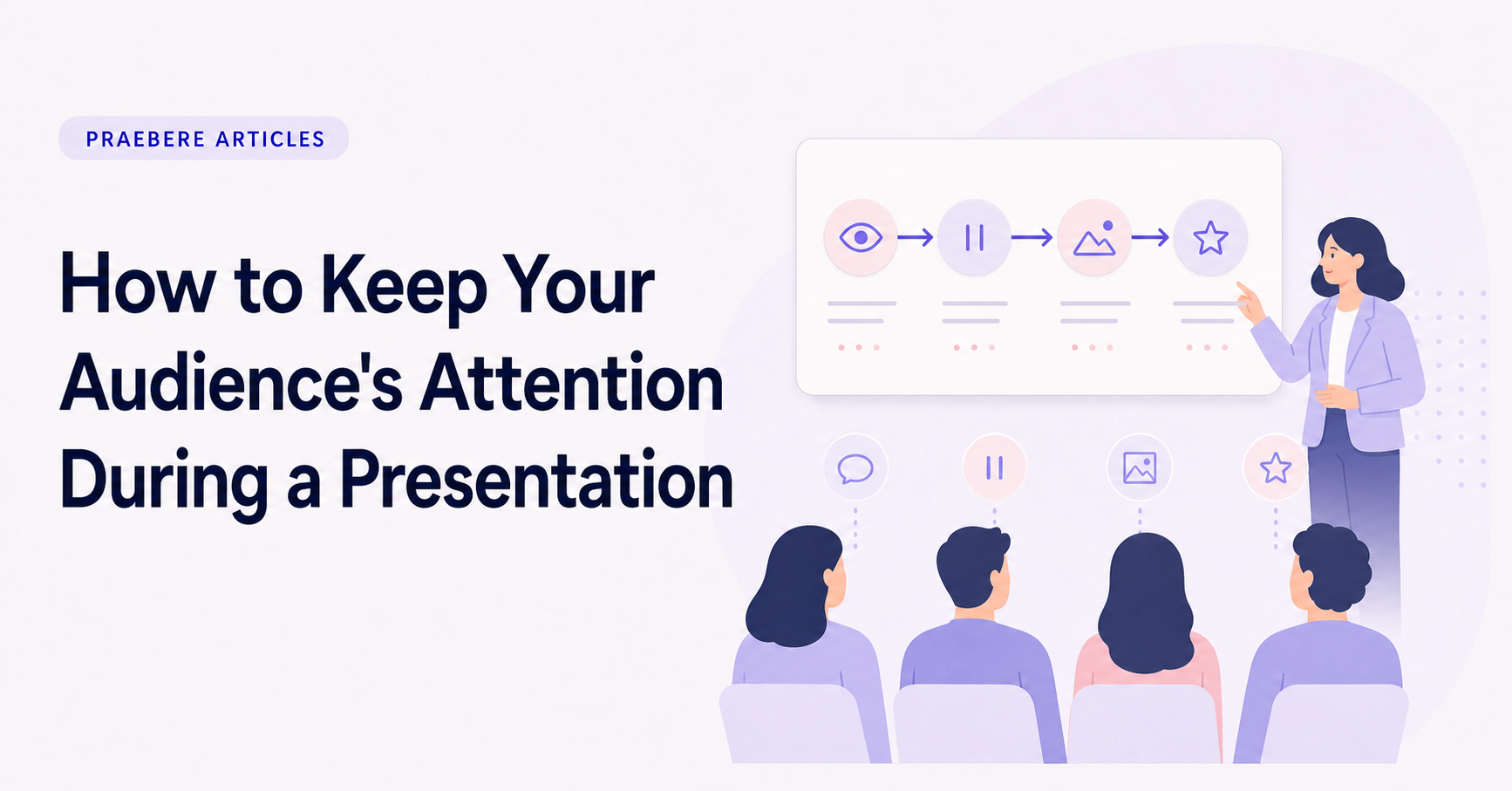
The practical decisions behind “How to Keep Your Audience's Attention During a Presentation”
The visible choices in “How to Keep Your Audience's Attention During a Presentation” grow from the earlier decision described by “Attention begins with relevance.” Translate the communication goal into an audience action: understand, compare, decide, remember, or perform.
The practical challenge begins when general advice meets real content, real constraints, and a real audience. What must the audience notice now, connect to prior knowledge, and retrieve later? Is the design reducing unnecessary mental work, or is it using color, motion, and density to compete for the same limited attention? The sections ahead use these questions to move from the central idea to concrete decisions, technical criteria, and an applied example.
Attention begins with relevance
An audience is more likely to follow a presentation when it quickly understands why the subject matters. Begin with a recognizable situation, a decision that needs to be made, or a question the presentation will answer. Context should help people enter the topic, not delay it.
Adapt the explanation to what the audience already knows. Too little context creates confusion, while too much familiar background makes the presentation feel slow. Define unfamiliar terms when they become necessary and connect them to the audience’s work, goals, or concerns.
Give the presentation a clear path
Attention weakens when people cannot tell how one section relates to the next. Organize the presentation around one central question and a small number of stages. Each stage should resolve something and create a reason to continue.
Use section markers and short transitions to show progress. A visual overview can help the audience see the complete journey while the presentation focuses on one part at a time. This creates orientation without repeatedly summarizing everything.
- State the purpose early.
- Use descriptive section titles.
- Connect each section to the previous one.
- Make the final destination visible.
Create visual variety without creating noise
A continuous sequence of identical text slides becomes predictable, but random changes in layout and color are equally distracting. Vary the visual form when the type of information changes: use a diagram for a process, a comparison for alternatives, and a focused statement for a conclusion.
Reveal complex material gradually. The audience should see the element being discussed before or as it is explained. Avoid placing a complete dense slide on screen and then reading through it line by line.
Manage pace, pauses, and interaction
A presentation needs changes in rhythm. Move efficiently through simple transitions, slow down for important decisions, and pause after a central point. A pause gives people time to process information and signals that the idea deserves attention.
Use questions or brief reflection when the audience can do something meaningful with them. Interaction should support the subject, not merely interrupt the presentation. If no response is required, a rhetorical question can still focus attention before a reveal.
Use motion to guide, not compete for, attention
Movement is useful when it shows direction, continuity, or a change in focus. A camera path through a diagram can preserve context while bringing the current step forward. Repeated dramatic effects make motion itself the subject and reduce its ability to signal importance.
Praebere lets you set the sequence of a visual presentation, add narration or webcam video, and preview camera movement between elements. This makes it possible to control pacing and focus through the structure of the board rather than assembling every transition on a traditional editing timeline.
Technical implementation notes
Translate the communication goal into an audience action: understand, compare, decide, remember, or perform. Build a claim-evidence-reasoning chain and distinguish observed facts, interpretation, assumptions, uncertainty, and recommendations.
Use progressive disclosure: context first, then the model, evidence, exceptions, and implications. Define unfamiliar terms, keep labels close to what they describe, and test whether a reader can reconstruct the intended logic without the presenter present. The most relevant concepts here are audience attention, engaging presentations, presentation delivery. Define them when first used and apply each term consistently to an observable element, rule, or outcome.
- Audience and intended action are explicit
- Claims remain connected to evidence
- Assumptions and uncertainty are labeled
- Sequence ends with a clear implication or next step
Worked example: How to Keep Your Audience's Attention During a Presentation
Suppose an audience must remember a three-part response model: detect, contain, recover. Present the complete model once, explain each part with one distinct case, then hide the labels and ask viewers to reconstruct the order and choose the correct response for a new incident.
Observe where retrieval fails. If people confuse steps, strengthen the relationship and practice rather than adding more decoration. Send a compact reference and repeat a different scenario later; immediate recognition during the presentation is not evidence of durable memory.
Conclusion
The path through attention begins with relevance, give the presentation a clear path, create visual variety without creating noise, manage pace, pauses, and interaction, and use motion to guide, not compete for, attention brings the article back to one practical concern: how “How to Keep Your Audience's Attention During a Presentation” behaves outside an ideal example. The technical checks and worked scenario turn the guidance into something a reader can evaluate and apply.
We believe the practical standard should be clear: clear visual communication combines purposeful structure, accurate information, meaningful examples, and validation with the intended audience. Looking coherent is not enough; the result should help people understand and use the idea correctly.
Create the visual journey
Turn your process into a presentation
Build the diagram, choose the sequence, add narration or webcam video, and preview the camera movement in your browser.
Open Praebere