
The right choice depends on the job
The most useful entry point into “Linear Presentations vs. Nonlinear Learning” is not decoration, but the problem captured by “Linear and nonlinear formats distribute control differently.” Design backward from an observable learning outcome.
The practical challenge begins when general advice meets real content, real constraints, and a real audience. What should learners be able to explain or do after the presentation, and how will you know they understood rather than merely recognized the content? Which examples, practice, and feedback will help them transfer the idea to a new situation? The sections ahead use these questions to move from the central idea to concrete decisions, technical criteria, and an applied example.
Linear and nonlinear formats distribute control differently
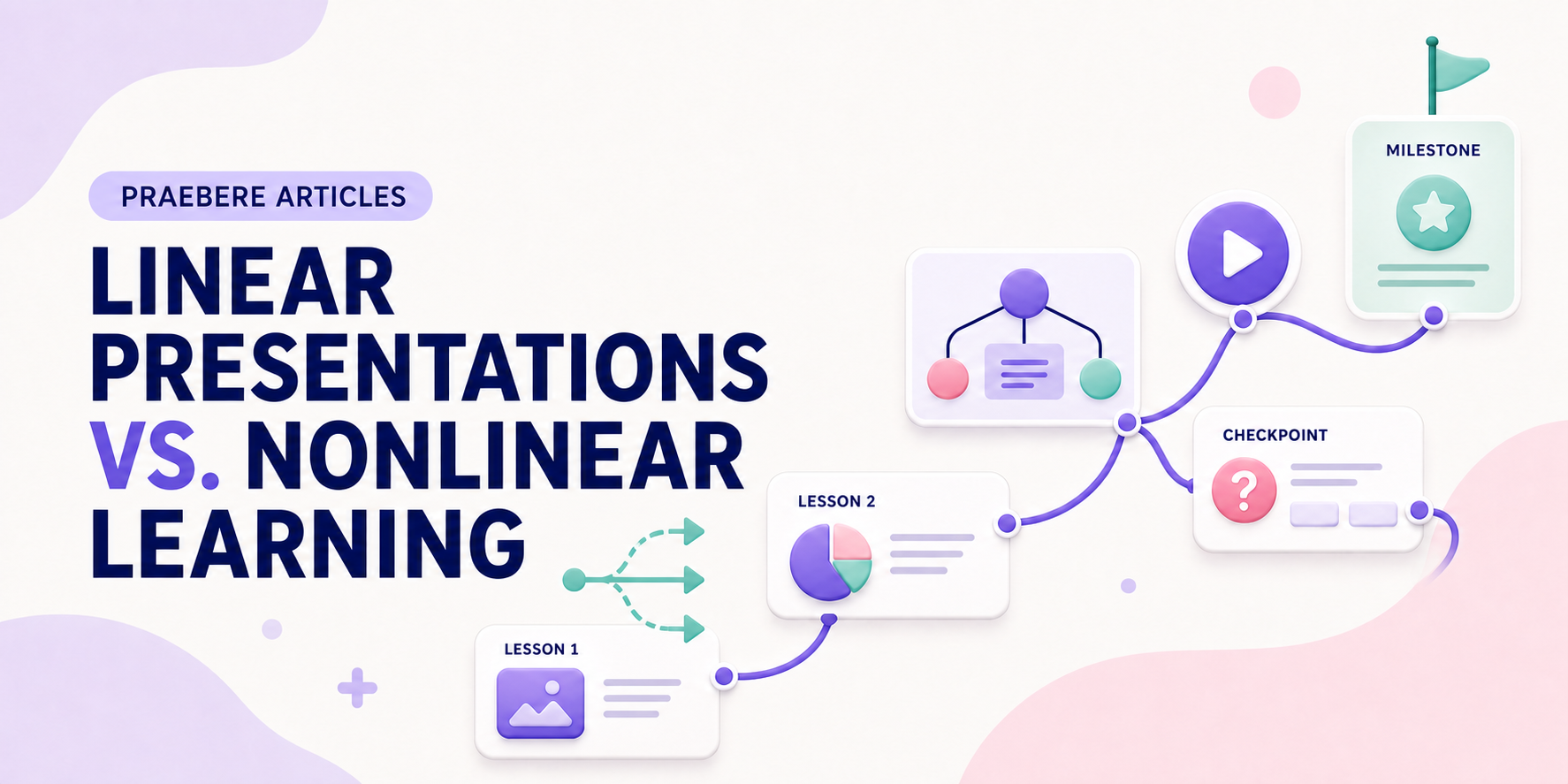
A linear presentation defines one sequence from beginning to end. Nonlinear learning allows students to choose topics, revisit nodes, follow branches, or access resources according to need. Neither format is inherently more effective in every situation.
The right structure depends on prerequisites, audience knowledge, objectives, and how much guidance learners need. Freedom without a clear model can create confusion, while a rigid sequence can repeat material some learners already understand.
Use linear structure when order is essential
A defined sequence supports procedures, narratives, demonstrations, and topics where each concept depends on the previous one. It also helps teachers control pace and ensure that every learner encounters required information.
The limitation is that one pace and path may not fit different levels of prior knowledge. Provide chapter markers, summaries, and review access so learners can orient themselves and revisit difficult sections.
Use nonlinear structure for exploration and reference
Choice can support case exploration, resource libraries, concept networks, troubleshooting, and self-directed review. A map or menu should show available paths and indicate how topics relate to the learning goal.
Limit the number of choices at each point and distinguish required from optional material. Learners should always know how to return, what they have completed, and what a branch is designed to teach.
Combine a guided core with optional branches
A hybrid design can establish prerequisites through a short core sequence and then offer examples, cases, or deeper explanations as branches. This preserves coherence while allowing meaningful choice.
Praebere can export a guided video for the core explanation and interactive HTML for exploration of the connected board. Choose the format according to the learning activity rather than assuming every visual presentation needs one fixed path.
Technical implementation notes
Design backward from an observable learning outcome. Separate essential content from supporting detail, activate prior knowledge, model the task, provide guided practice, and then ask learners to retrieve or apply the idea without seeing the answer.
Manage intrinsic complexity through sequencing and worked examples, and reduce extraneous load by removing redundant text, irrelevant motion, and split attention. Use formative checks to reveal misconceptions and provide feedback before the final assessment. The most relevant concepts here are linear vs nonlinear learning, nonlinear presentation, learning paths. Define them when first used and apply each term consistently to an observable element, rule, or outcome.
- Outcome describes what the learner will do
- Example makes expert reasoning visible
- Practice requires retrieval or application
- Feedback explains why an answer works
Worked example: Linear Presentations vs. Nonlinear Learning
Imagine teaching a new employee how to approve an expense. State the outcome—correctly classify and route a request—then show one worked example while explaining why each branch is chosen. Follow it with a similar case in which the learner must predict the next step before the answer appears.
Give feedback on the rule, not only “correct” or “incorrect,” and finish with a new case containing an exception. The flowchart remains a reference after the lesson, while retrieval and varied practice reveal whether the learner can actually perform the task.
Conclusion
Seen as a whole, the sections on linear and nonlinear formats distribute control differently, use linear structure when order is essential, use nonlinear structure for exploration and reference, and combine a guided core with optional branches move from explanation to application. They show that “Linear Presentations vs. Nonlinear Learning” depends on both a clear concept and disciplined execution.
Our editorial position is straightforward: clear visuals can guide attention, but durable learning must be judged by what people can retrieve, explain, and do afterward. Practice and feedback matter more than how complete the presentation appears.
Create the visual journey
Turn your process into a presentation
Build the diagram, choose the sequence, add narration or webcam video, and preview the camera movement in your browser.
Open Praebere