
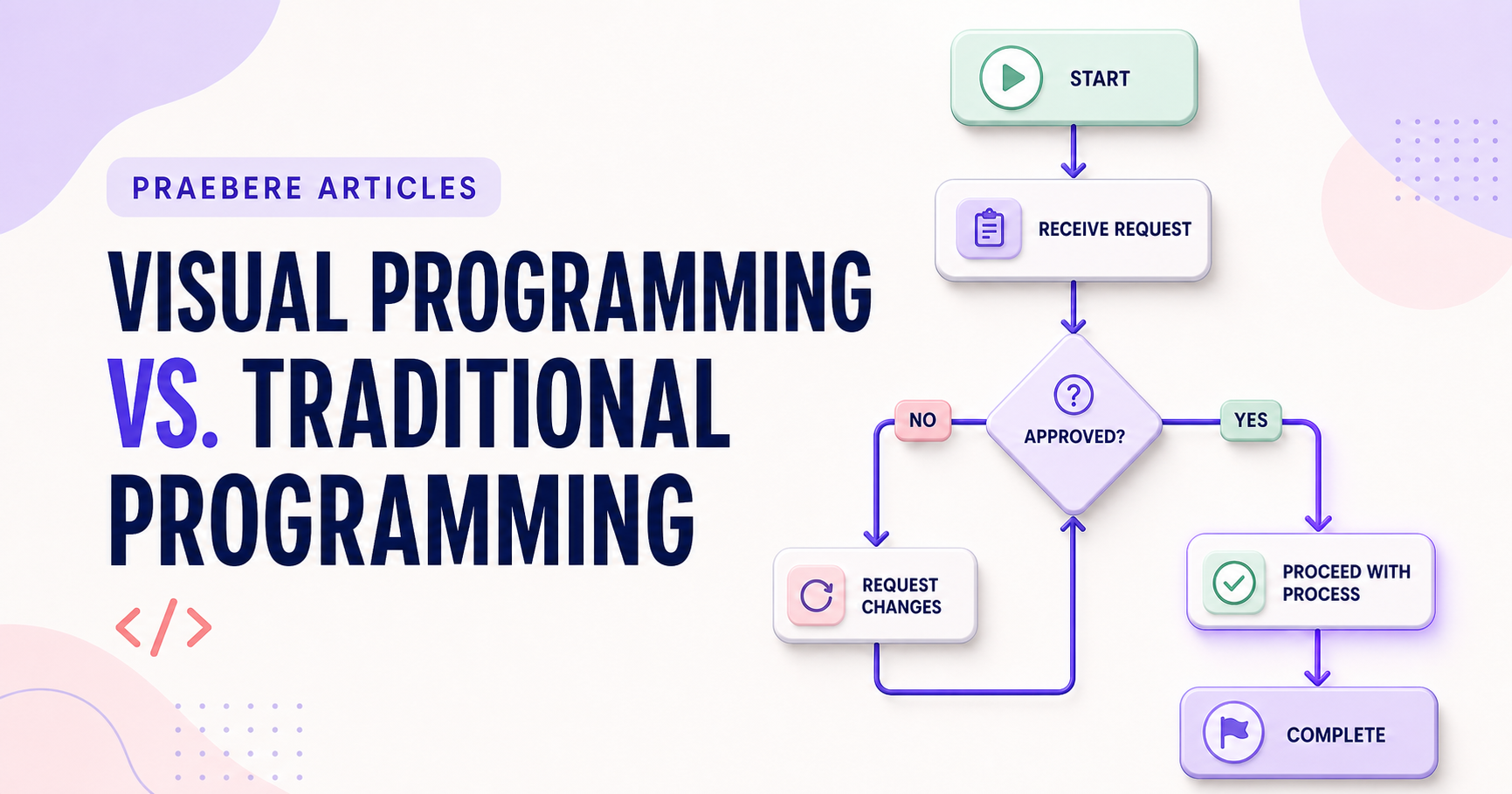
The right choice depends on the job
The value of “Visual Programming vs. Traditional Programming” becomes clearer when attention shifts to “Each medium makes different relationships easier to see.” An executable visual workflow needs precise semantics for triggers, inputs, state, conditions, actions, credentials, timeouts, retries, concurrency, and terminal outcomes.
The practical challenge begins when general advice meets real content, real constraints, and a real audience. When does a visual path become executable behavior rather than a descriptive sketch? What should happen when inputs are invalid, credentials expire, a request is repeated, or one block fails halfway through the workflow? The sections ahead use these questions to move from the central idea to concrete decisions, technical criteria, and an applied example.
Each medium makes different relationships easier to see
Visual programming exposes topology, sequence, and state through spatial relationships. Text makes precise expressions, abstraction, search, refactoring, and version comparison compact and scalable.
Neither is automatically easier. Difficulty depends on the domain, notation, tool quality, team experience, and size of the system.
Evaluate the complete lifecycle
Compare testing, debugging, reuse, permissions, deployment, observability, accessibility, portability, and vendor dependence—not only the speed of the first prototype.
Many effective systems are hybrid: visual models coordinate the larger flow while tested code handles specialized logic. Choose the boundary that keeps both representations understandable.
Compare both approaches with a representative pilot
Evaluate a real workflow that contains branching, reuse, an integration, a failure path, and a later change. Measure onboarding time, implementation time, defect discovery, review quality, runtime performance, accessibility, and the effort required to understand a version diff. A simple demonstration usually hides the costs that emerge after deployment.
Assess portability and escape hatches. Determine whether the visual model has a documented file format, can be tested automatically, supports custom code, and can be exported if the vendor changes pricing or closes. Traditional code has mature tooling but may exclude domain specialists; visual systems improve direct participation but can become unwieldy when graphs grow without abstraction.
- Pilot a realistic change, not only initial creation
- Compare debugging, testing, review, and deployment
- Inspect portability, source control, and vendor dependence
- Choose a hybrid boundary when it improves clarity
Technical implementation notes
An executable visual workflow needs precise semantics for triggers, inputs, state, conditions, actions, credentials, timeouts, retries, concurrency, and terminal outcomes. A descriptive arrow is not enough to define runtime behavior.
Design idempotency, validation, logging, observability, access control, secret handling, versioning, rollback, and manual recovery before automating publication or other consequential actions. Test normal, boundary, duplicate, delayed, and failure cases. The most relevant concepts here are visual programming vs traditional programming, visual coding, text programming. Define them when first used and apply each term consistently to an observable element, rule, or outcome.
- Inputs and outputs have explicit schemas
- Retries cannot create duplicate side effects
- Secrets and permissions use least privilege
- Failures are observable and recoverable
Worked example: Visual Programming vs. Traditional Programming
Suppose a visual automation receives a web form, validates an email address, creates a CRM record, and sends a confirmation. Define the input schema and a stable request identifier before connecting blocks; otherwise a retry may create duplicate contacts or messages.
Add explicit branches for invalid data, CRM timeout, duplicate submission, revoked credentials, and manual review. Log the workflow version and outcome, limit retries, and test the same request twice. The visual path now explains executable behavior rather than merely suggesting an order.
Conclusion
The article’s main threads—each medium makes different relationships easier to see, evaluate the complete lifecycle, and compare both approaches with a representative pilot—lead to a shared lesson: the quality of “Visual Programming vs. Traditional Programming” can be tested. Technical criteria and a realistic example make strengths, omissions, and consequences visible.
Our editorial position is straightforward: visual clarity lowers the barrier to understanding, but it never replaces precise runtime semantics, validation, security, observability, and recovery. Reliable visual systems still require serious engineering discipline.
Create the visual journey
Turn your process into a presentation
Build the diagram, choose the sequence, add narration or webcam video, and preview the camera movement in your browser.
Open Praebere