
The definition is only the starting point
The work behind “What Is Visual Programming” starts with a practical concern captured by “Logic becomes visible and manipulable.” An executable visual workflow needs precise semantics for triggers, inputs, state, conditions, actions, credentials, timeouts, retries, concurrency, and terminal outcomes.
The practical challenge begins when general advice meets real content, real constraints, and a real audience. When does a visual path become executable behavior rather than a descriptive sketch? What should happen when inputs are invalid, credentials expire, a request is repeated, or one block fails halfway through the workflow? The sections ahead use these questions to move from the central idea to concrete decisions, technical criteria, and an applied example.
Logic becomes visible and manipulable
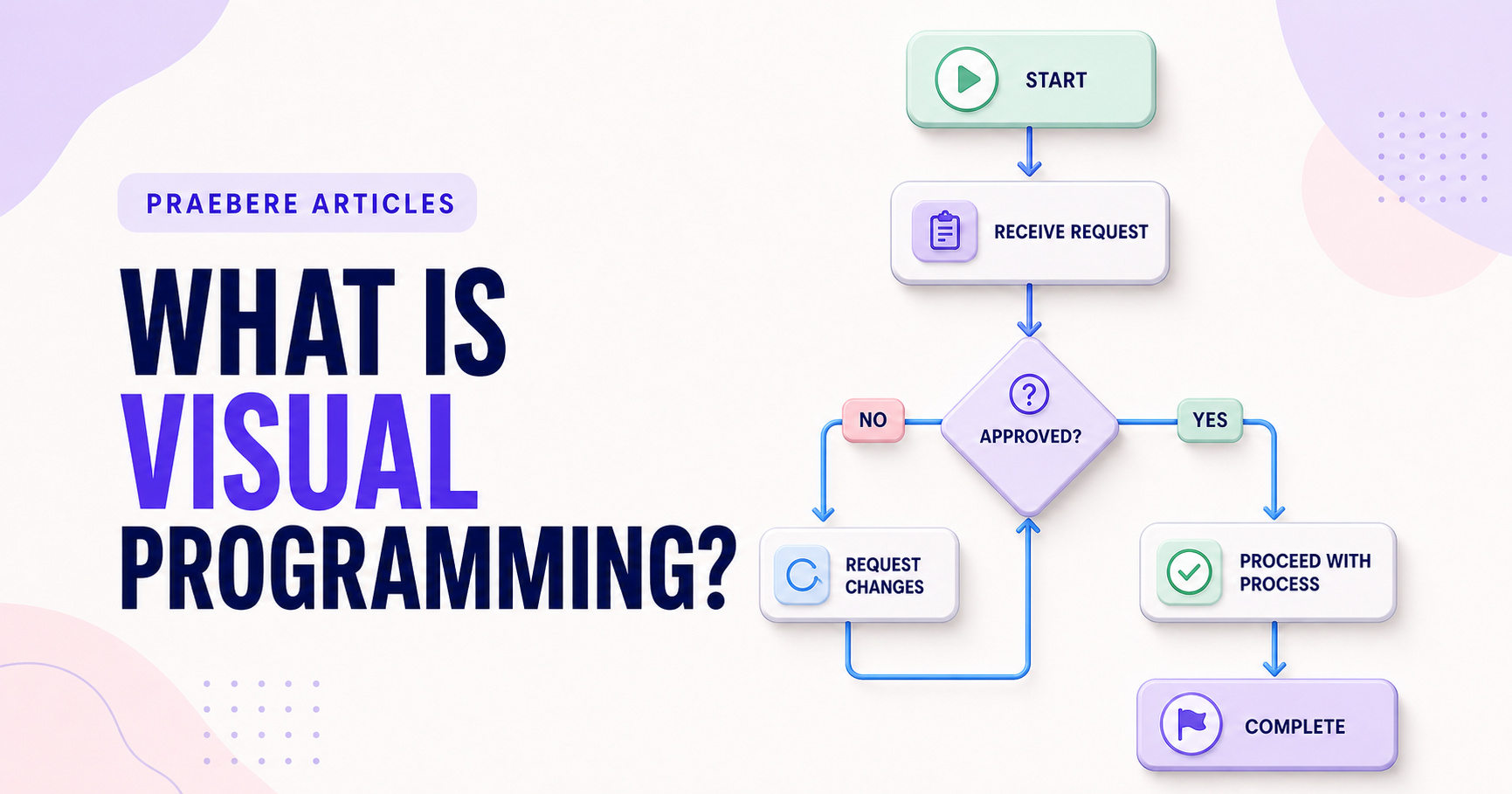
Visual programming represents operations, data, events, and control flow as objects connected by explicit relationships. It can make sequence and dependency easier to inspect than a long text file.
The diagram is still a program: inputs need types, branches need conditions, errors need handling, and execution needs predictable semantics. Attractive blocks do not remove engineering discipline.
Choose the representation for the problem
Visual systems are strong for workflows, state machines, education, data pipelines, and domain-specific automation. Dense algorithms, large abstractions, version diffs, and highly reusable libraries often remain clearer in text.
Hybrid tools combine visual orchestration with code for specialized behavior. A Praebere flowchart can explain logic as a presentation, but Praebere is not a programming runtime and does not execute a diagram as software.
Understand execution semantics beneath the canvas
A visual language must define more than appearance. It needs rules for data types, variable scope, evaluation order, events, concurrency, loops, functions, state, and errors. Some systems execute a control-flow path; others propagate data through a graph or react to events. Two diagrams that look similar can therefore behave very differently.
Inspect how the environment supports debugging: breakpoints, step execution, watches, logs, test inputs, and visualization of active nodes. Also consider keyboard accessibility, search, reusable components, source control, textual serialization, and merge behavior. These lifecycle capabilities often determine whether a visual program remains manageable at scale.
- Identify whether execution is control-flow, data-flow, or event-driven
- Make types, state, ordering, and errors explicit
- Require debugging, testing, reuse, and version comparison
- Use code where dense logic is clearer in text
Technical implementation notes
An executable visual workflow needs precise semantics for triggers, inputs, state, conditions, actions, credentials, timeouts, retries, concurrency, and terminal outcomes. A descriptive arrow is not enough to define runtime behavior.
Design idempotency, validation, logging, observability, access control, secret handling, versioning, rollback, and manual recovery before automating publication or other consequential actions. Test normal, boundary, duplicate, delayed, and failure cases. The most relevant concepts here are visual programming, node based programming, block programming. Define them when first used and apply each term consistently to an observable element, rule, or outcome.
- Inputs and outputs have explicit schemas
- Retries cannot create duplicate side effects
- Secrets and permissions use least privilege
- Failures are observable and recoverable
Worked example: What Is Visual Programming?
Suppose a visual automation receives a web form, validates an email address, creates a CRM record, and sends a confirmation. Define the input schema and a stable request identifier before connecting blocks; otherwise a retry may create duplicate contacts or messages.
Add explicit branches for invalid data, CRM timeout, duplicate submission, revoked credentials, and manual review. Log the workflow version and outcome, limit retries, and test the same request twice. The visual path now explains executable behavior rather than merely suggesting an order.
Conclusion
Taken together, logic becomes visible and manipulable, choose the representation for the problem, and understand execution semantics beneath the canvas show that “What Is Visual Programming?” is not an isolated technique. The article connected its central principles to implementation details and a practical case, making the tradeoffs easier to see.
We believe the practical standard should be clear: visual clarity lowers the barrier to understanding, but it never replaces precise runtime semantics, validation, security, observability, and recovery. Reliable visual systems still require serious engineering discipline.
Create the visual journey
Turn your process into a presentation
Build the diagram, choose the sequence, add narration or webcam video, and preview the camera movement in your browser.
Open Praebere