
A closer look at the decisions behind “Asynchronous Presentations: Explain Work Without Another Meeting”
A reader can understand “Asynchronous Presentations: Explain Work Without Another Meeting” more clearly by first looking at “Know when an asynchronous presentation is appropriate.” Translate the communication goal into an audience action: understand, compare, decide, remember, or perform.
The practical challenge begins when general advice meets real content, real constraints, and a real audience. What question carries the audience from the opening to the conclusion, and why should the answer matter to them? How can context, evidence, tension, examples, and resolution form a coherent path without manipulating or oversimplifying the facts? The sections ahead use these questions to move from the central idea to concrete decisions, technical criteria, and an applied example.
Know when an asynchronous presentation is appropriate
Asynchronous communication works well when people need the same context but do not need to respond at the same moment. Process updates, project proposals, handoff explanations, release plans, and training material are strong candidates.
A live meeting is still useful for sensitive discussion, negotiation, or rapid collaborative decisions. The goal is not to remove conversation; it is to stop using meeting time for information that can be understood independently.
Structure the message around decisions
Begin with the purpose, the current state, and the action expected from the viewer. Then map the logic that connects evidence to the recommendation. A decision flowchart is often more useful than a long sequence of status slides.
Make assumptions visible. If a recommendation depends on budget approval or a technical prerequisite, show that dependency instead of leaving it buried in narration.
- What changed?
- Why does it matter?
- What decision is required?
- Who owns the next action?
- When is a response needed?
Make the recording easy to scan
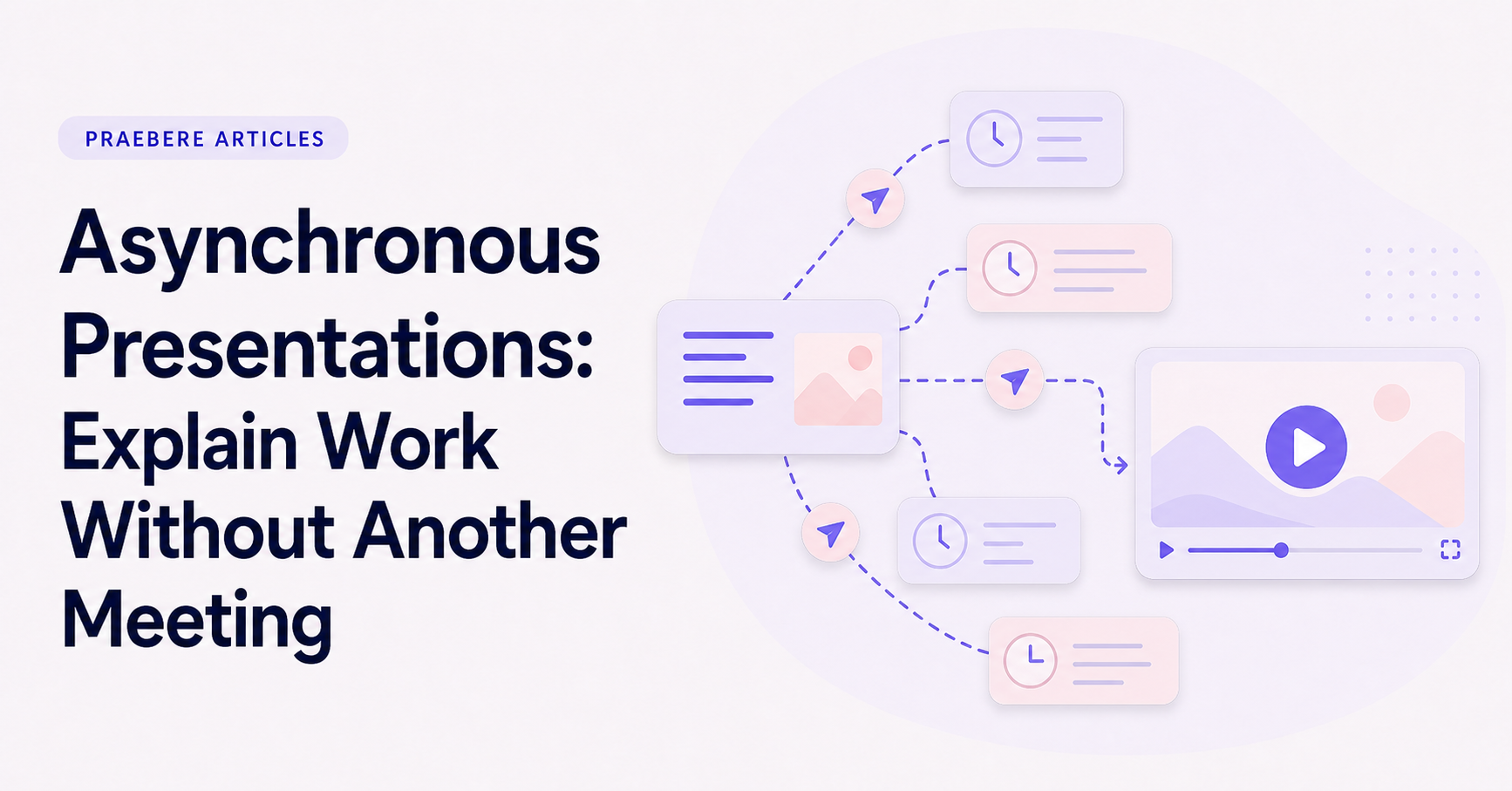
Use short visual chapters and descriptive element titles. Viewers may replay only the decision or handoff relevant to them. A clear visual map makes that easier than searching through a continuous screen recording.
Keep the narration direct and remove meeting language such as lengthy greetings or repeated summaries. The recording should respect the flexibility that makes asynchronous work valuable.
Use the diagram as the shared source
Praebere can turn an ordered workflow into a narrated video while preserving the editable diagram. That makes the visual map useful before, during, and after the recording.
Treat comments and questions as input for the next version. When the project changes, revise the affected path instead of recording another broad status meeting.
Technical implementation notes
Translate the communication goal into an audience action: understand, compare, decide, remember, or perform. Build a claim-evidence-reasoning chain and distinguish observed facts, interpretation, assumptions, uncertainty, and recommendations.
Use progressive disclosure: context first, then the model, evidence, exceptions, and implications. Define unfamiliar terms, keep labels close to what they describe, and test whether a reader can reconstruct the intended logic without the presenter present. The most relevant concepts here are asynchronous presentation, async video presentation, recorded presentation. Define them when first used and apply each term consistently to an observable element, rule, or outcome.
- Audience and intended action are explicit
- Claims remain connected to evidence
- Assumptions and uncertainty are labeled
- Sequence ends with a clear implication or next step
Worked example: Asynchronous Presentations: Explain Work Without Another Meeting
Consider a proposal to reduce customer wait time. Open with the current customer journey and measured delay, explain the operational bottleneck, compare two credible interventions, and reveal the recommendation only after the decision criteria and evidence are visible.
Keep observed data separate from interpretation and state the assumptions behind the forecast. The ending should resolve the opening question with an owner, next action, and measure of success, so narrative structure supports a real decision rather than manufacturing suspense.
Conclusion
Rather than reducing “Asynchronous Presentations: Explain Work Without Another Meeting” to a checklist, the article linked know when an asynchronous presentation is appropriate, structure the message around decisions, make the recording easy to scan, share the video with written context, and use the diagram as the shared source. That combination explains not only what to do, but also why the choices matter and how to inspect the outcome.
For us, the idea reaches its most useful conclusion here: clear visual communication combines purposeful structure, accurate information, meaningful examples, and validation with the intended audience. Looking coherent is not enough; the result should help people understand and use the idea correctly.
Create the visual journey
Turn your process into a presentation
Build the diagram, choose the sequence, add narration or webcam video, and preview the camera movement in your browser.
Open Praebere