
The practical decisions behind “How to Create an Employee Onboarding Video Without Video Editing”
One issue sets the direction for “How to Create an Employee Onboarding Video Without Video Editing”: “Give each onboarding video one job.” Design backward from an observable learning outcome.
The practical challenge begins when general advice meets real content, real constraints, and a real audience. What should learners be able to explain or do after the presentation, and how will you know they understood rather than merely recognized the content? Which examples, practice, and feedback will help them transfer the idea to a new situation? The sections ahead use these questions to move from the central idea to concrete decisions, technical criteria, and an applied example.
Give each onboarding video one job
A single welcome video should not attempt to explain the company, every tool, all policies, and the employee’s first month. Divide onboarding into practical questions: how to request access, where work is documented, how approvals happen, and what to do when something is blocked.
A focused video is easier to update and easier for a new hire to find again. Organize the series in the same order that the employee encounters the work.
Map the first-week journey
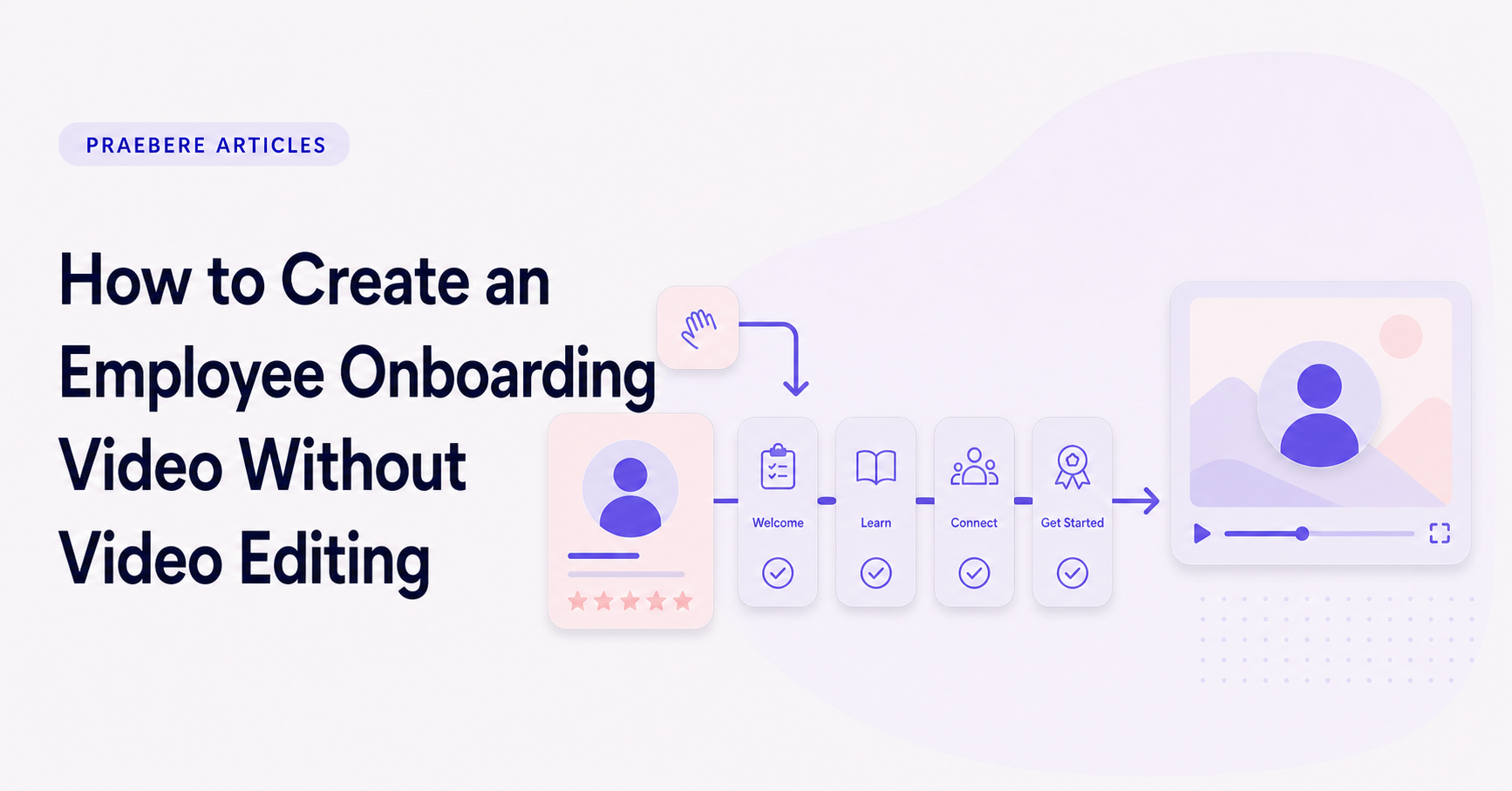
Draw a simple timeline or flowchart beginning with the employee’s first login. Add the people, systems, and decisions involved in reaching the first meaningful outcome. Highlight dependencies such as manager approval or account activation.
The map should answer “what happens next?” at every step. If a new employee needs an undocumented explanation to understand the diagram, add that context to the narration or supporting text.
Use human presence where it matters
A brief webcam introduction can make an onboarding message feel welcoming, but the employee does not need to watch a talking head for every operational detail. Move into the visual process when the explanation becomes procedural.
Voice narration maintains continuity while the camera follows the workflow. Use a calm pace and define internal terms the first time they appear.
Replace timeline editing with a sequence
Traditional editors ask you to place clips, images, titles, and transitions on a timeline. A sequence-based approach starts from ordered steps instead. Decide what appears first, attach voice or webcam media to the appropriate step, and let the visual path determine the edit.
Praebere follows this model. It does not write the onboarding content for you; it turns your ordered visual workflow, narration, and camera clips into a presentation that can be exported as video.
Review for accuracy and inclusion
Ask a recent hire to watch the draft and note where they need more context. Check names, links, ownership, and policy language with the relevant teams. Add captions after export when your publishing platform supports them, and make sure essential information is also available in text.
Schedule a periodic review. Short, modular onboarding videos make it possible to replace one outdated process without rerecording the entire program.
Technical implementation notes
Design backward from an observable learning outcome. Separate essential content from supporting detail, activate prior knowledge, model the task, provide guided practice, and then ask learners to retrieve or apply the idea without seeing the answer.
Manage intrinsic complexity through sequencing and worked examples, and reduce extraneous load by removing redundant text, irrelevant motion, and split attention. Use formative checks to reveal misconceptions and provide feedback before the final assessment. The most relevant concepts here are employee onboarding video, onboarding presentation, training video without editing. Define them when first used and apply each term consistently to an observable element, rule, or outcome.
- Outcome describes what the learner will do
- Example makes expert reasoning visible
- Practice requires retrieval or application
- Feedback explains why an answer works
Worked example: How to Create an Employee Onboarding Video Without Video Editing
Imagine teaching a new employee how to approve an expense. State the outcome—correctly classify and route a request—then show one worked example while explaining why each branch is chosen. Follow it with a similar case in which the learner must predict the next step before the answer appears.
Give feedback on the rule, not only “correct” or “incorrect,” and finish with a new case containing an exception. The flowchart remains a reference after the lesson, while retrieval and varied practice reveal whether the learner can actually perform the task.
Conclusion
Seen as a whole, the sections on give each onboarding video one job, map the first-week journey, use human presence where it matters, replace timeline editing with a sequence, and review for accuracy and inclusion move from explanation to application. They show that “How to Create an Employee Onboarding Video Without Video Editing” depends on both a clear concept and disciplined execution.
Our judgment after considering the full article is that clear visuals can guide attention, but durable learning must be judged by what people can retrieve, explain, and do afterward. Practice and feedback matter more than how complete the presentation appears.
Create the visual journey
Turn your process into a presentation
Build the diagram, choose the sequence, add narration or webcam video, and preview the camera movement in your browser.
Open Praebere