
A closer look at the decisions behind “The Evolution of Human Interaction With Creative Software”
One issue sets the direction for “The Evolution of Human Interaction With Creative Software”: “From commands to visible objects.” Model the user, task, environment, device, and failure cost before choosing controls.
The practical challenge begins when general advice meets real content, real constraints, and a real audience. Can a first-time user predict the result of an action, see the current state, and recover from a mistake? Does the same task remain understandable with touch, keyboard, zoom, latency, and a smaller screen? The sections ahead use these questions to move from the central idea to concrete decisions, technical criteria, and an applied example.
From commands to visible objects
Early digital creative work often required users to express intentions through commands, coordinates, or specialized notation. These systems could be precise, but they placed much of the interaction model in the user's memory. The person had to know what the software could do before asking it to do anything.
Graphical interfaces changed that relationship by making tools, documents, and actions visible. Menus, icons, windows, and palettes allowed people to recognize possibilities instead of recalling every instruction. The screen increasingly became both the workspace and the explanation of how to use it.
Direct manipulation made creation more immediate
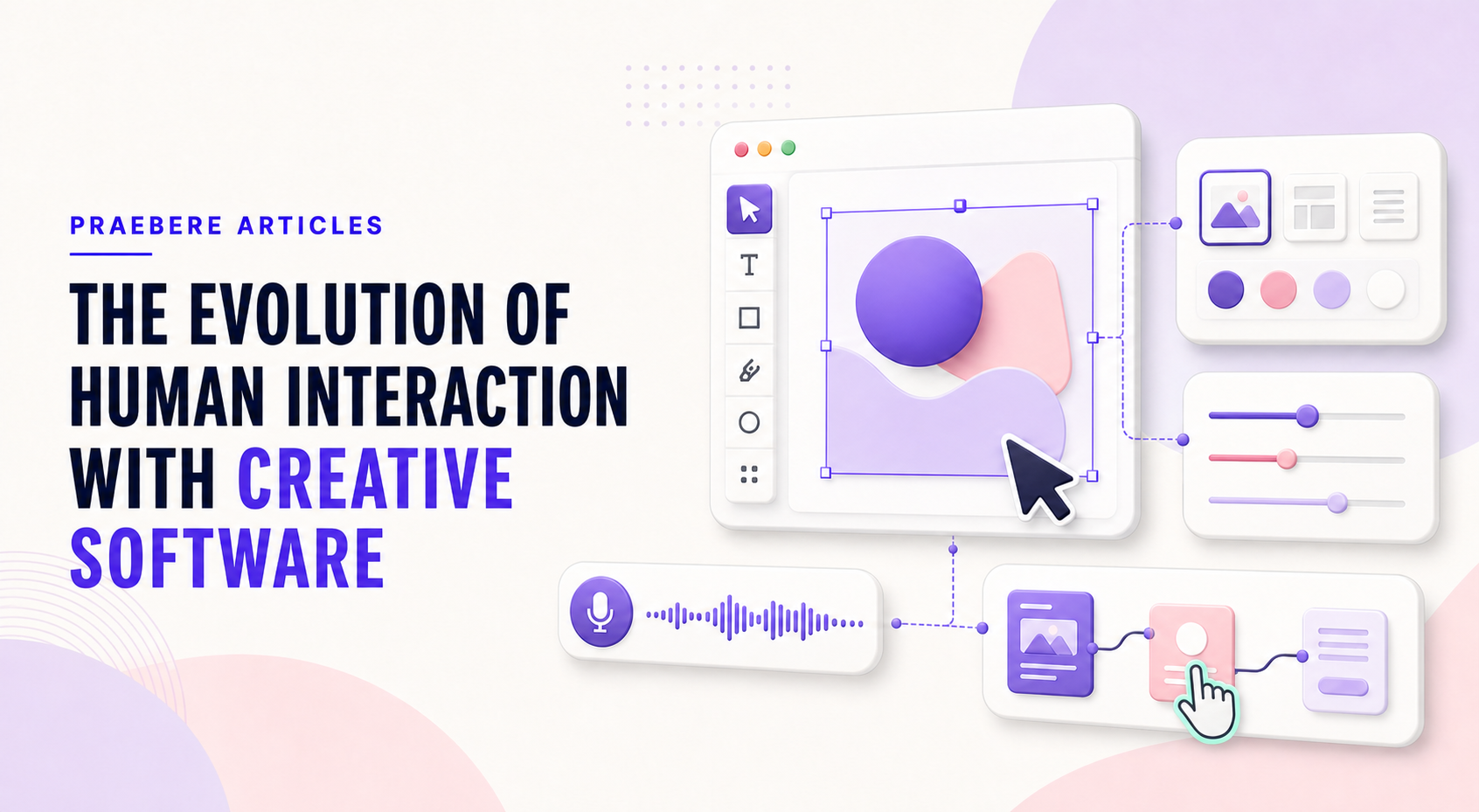
Dragging an object, resizing it with handles, or changing a color while seeing the result creates a close connection between action and outcome. This direct manipulation model became central to drawing, layout, video, and presentation software because it supports exploration and rapid correction.
The model also introduced new design problems. Small handles demand precision, crowded canvases complicate selection, and hidden modes can make the same gesture behave differently. Better creative tools combine direct action with clear feedback, undo, snapping, and numeric alternatives.
Touch and connected work expanded the interaction space
Touchscreens encouraged larger targets, gestures, pen input, and interfaces that adapt to limited space. Cloud-connected tools added sharing, comments, synchronized editing, and version history. Interaction was no longer only between one person and one document; it also coordinated people working around the same artifact.
These changes did not eliminate keyboard and pointer workflows. Creative software now needs to accommodate several input methods and working contexts without making the underlying model inconsistent. A shape should remain understandable whether it is moved with a mouse, finger, keyboard, or property field.
The future is likely to combine several interaction styles
Voice and natural language can help people state goals, while visual interfaces remain important for inspecting results and making precise adjustments. Automation can reduce repetitive setup, but users still need control, provenance, and a reliable way to correct the output.
Praebere reflects the visual-editor tradition through a board, direct manipulation, properties, sequencing, and preview. Its video workflow adds another layer: users define the visual path and narration while the software handles the repeated camera transitions. The useful evolution is not interaction for its own sake, but less friction between an idea and a finished explanation.
Technical implementation notes
Model the user, task, environment, device, and failure cost before choosing controls. Direct manipulation needs visible affordances, immediate feedback, forgiving hit targets, keyboard equivalents, undo, and state that remains understandable without relying on memory.
Evaluate representative tasks with observable success criteria such as completion rate, time, errors, recoveries, and assistance required. Include touch, keyboard, zoom, small screens, latency, empty states, invalid input, and interrupted work in the test plan. The most relevant concepts here are creative software history, human computer interaction, creative tool interfaces. Define them when first used and apply each term consistently to an observable element, rule, or outcome.
- The current state and available action are visible
- Errors are preventable and recoverable
- Keyboard and touch paths reach the same outcome
- Testing uses realistic content and devices
Worked example: The Evolution of Human Interaction With Creative Software
Imagine a first-time touch user placing a shape, editing its title, connecting it, and undoing an accidental move. The element needs a large enough hit target, visible selected state, movement threshold that differs from a tap, alignment feedback, auto-scroll near edges, and an undo action that restores position and connections.
Test the same task with mouse, touch, keyboard, zoom, and a small screen. Record errors and recovery, not just completion. If users repeatedly open the wrong property group or cannot predict the drop result, change the interaction model and test again.
Conclusion
Seen as a whole, the sections on from commands to visible objects, direct manipulation made creation more immediate, touch and connected work expanded the interaction space, and the future is likely to combine several interaction styles move from explanation to application. They show that “The Evolution of Human Interaction With Creative Software” depends on both a clear concept and disciplined execution.
We believe the practical standard should be clear: good interaction design makes state, consequences, and recovery understandable across mouse, keyboard, and touch. The interface should consume less attention than the creative problem the user is trying to solve.
Create the visual journey
Turn your process into a presentation
Build the diagram, choose the sequence, add narration or webcam video, and preview the camera movement in your browser.
Open Praebere