
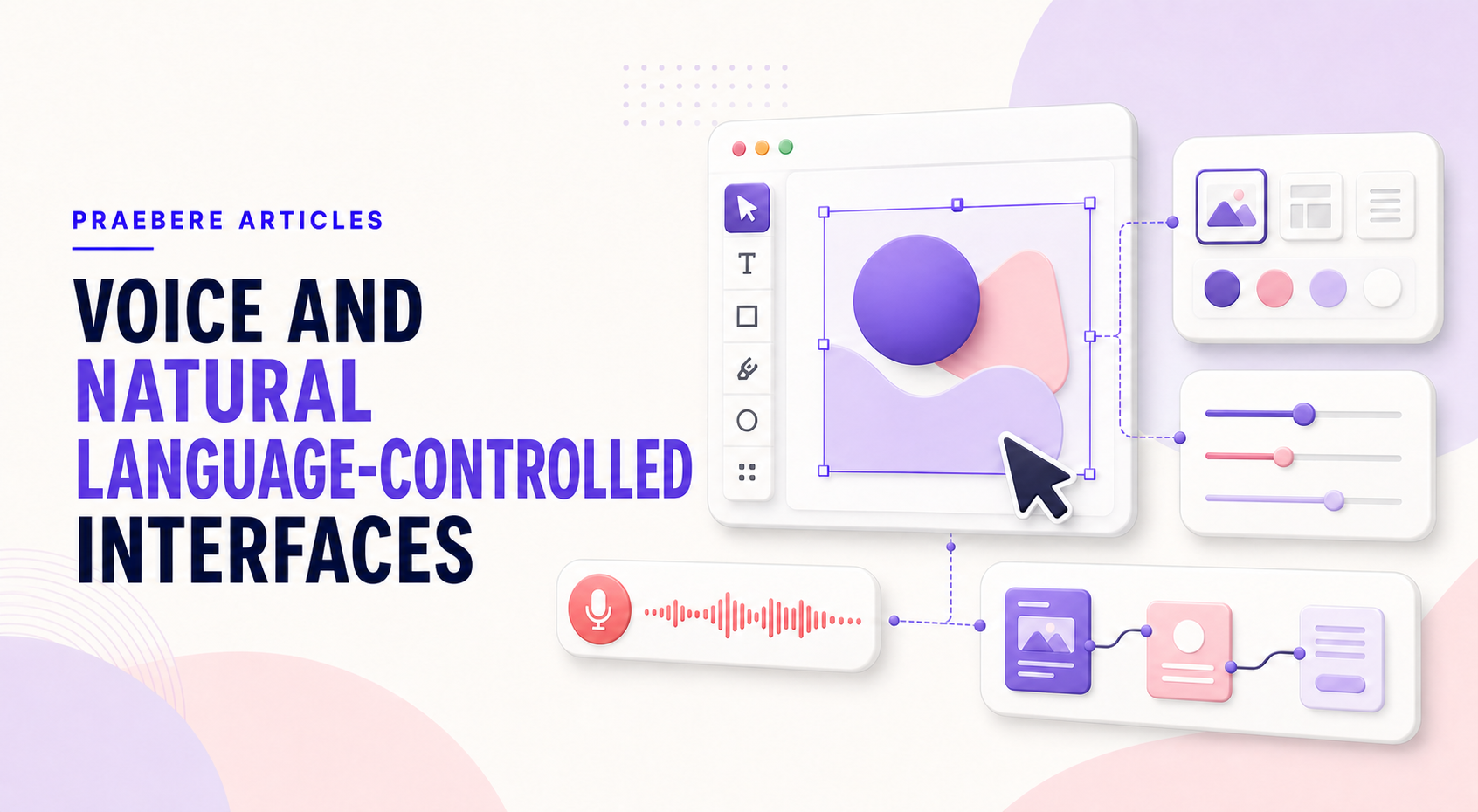
A closer look at the decisions behind “Voice and Natural Language-Controlled Interfaces”
The visible choices in “Voice and Natural Language-Controlled Interfaces” grow from the earlier decision described by “Language can express goals instead of individual commands.” Model the user, task, environment, device, and failure cost before choosing controls.
The practical challenge begins when general advice meets real content, real constraints, and a real audience. Can a first-time user predict the result of an action, see the current state, and recover from a mistake? Does the same task remain understandable with touch, keyboard, zoom, latency, and a smaller screen? The sections ahead use these questions to move from the central idea to concrete decisions, technical criteria, and an applied example.
Language can express goals instead of individual commands
Traditional interfaces ask users to locate a control and perform an operation. A natural language interface allows them to describe an intention, such as grouping related steps, changing the tone of a layout, or finding a specific object. Voice adds hands-free input and can be useful when typing is inconvenient.
This shift can lower the barrier to unfamiliar functions because people begin with words they already know. It does not remove the need for a clear system model. The software still has to translate an open-ended request into specific, inspectable changes.
Creative instructions are often ambiguous
A request such as “make this clearer” can refer to wording, contrast, spacing, hierarchy, or structure. The interface needs enough context to determine what “this” means and should ask for clarification when several interpretations would produce materially different results.
Users also need to know what information the system considered. Selection, scope, and a preview of proposed changes make conversational actions safer. Without visible context, language can feel convenient at first and unpredictable during revision.
Voice is useful, but it is not appropriate everywhere
Speech can be fast for naming, searching, or initiating a known action. It is less suitable in shared spaces, noisy environments, private work, and tasks that require exact values or repeated visual comparison. Recognition errors can also be difficult to notice when the result is not shown immediately.
Accessible design should treat voice as one option rather than the only route. Keyboard, pointer, touch, and structured controls remain important for people who cannot or do not want to speak, and for operations where precision matters more than conversational speed.
Combine language with visible, reversible editing
The strongest pattern is often multimodal: language states the goal, the interface shows the interpretation, and direct controls refine the result. Proposed actions should be reversible, and a summary should identify which objects or properties will change before a broad command is applied.
Voice can also be presentation content rather than an editor command. Praebere supports recorded narration and webcam video, but it does not rely on AI or natural-language generation to create the presentation. The author still defines the diagram, sequence, framing, and message, preserving deliberate creative control.
Technical implementation notes
Model the user, task, environment, device, and failure cost before choosing controls. Direct manipulation needs visible affordances, immediate feedback, forgiving hit targets, keyboard equivalents, undo, and state that remains understandable without relying on memory.
Evaluate representative tasks with observable success criteria such as completion rate, time, errors, recoveries, and assistance required. Include touch, keyboard, zoom, small screens, latency, empty states, invalid input, and interrupted work in the test plan. The most relevant concepts here are voice interface, natural language interface, conversational UI. Define them when first used and apply each term consistently to an observable element, rule, or outcome.
- The current state and available action are visible
- Errors are preventable and recoverable
- Keyboard and touch paths reach the same outcome
- Testing uses realistic content and devices
Worked example: Voice and Natural Language-Controlled Interfaces
Imagine a first-time touch user placing a shape, editing its title, connecting it, and undoing an accidental move. The element needs a large enough hit target, visible selected state, movement threshold that differs from a tap, alignment feedback, auto-scroll near edges, and an undo action that restores position and connections.
Test the same task with mouse, touch, keyboard, zoom, and a small screen. Record errors and recovery, not just completion. If users repeatedly open the wrong property group or cannot predict the drop result, change the interaction model and test again.
Conclusion
The path through language can express goals instead of individual commands, creative instructions are often ambiguous, voice is useful, but it is not appropriate everywhere, and combine language with visible, reversible editing brings the article back to one practical concern: how “Voice and Natural Language-Controlled Interfaces” behaves outside an ideal example. The technical checks and worked scenario turn the guidance into something a reader can evaluate and apply.
For us, the idea reaches its most useful conclusion here: good interaction design makes state, consequences, and recovery understandable across mouse, keyboard, and touch. The interface should consume less attention than the creative problem the user is trying to solve.
Create the visual journey
Turn your process into a presentation
Build the diagram, choose the sequence, add narration or webcam video, and preview the camera movement in your browser.
Open Praebere