
The practical decisions behind “How to Create Efficient Presentation Templates”
Good intentions are not enough for “How to Create Efficient Presentation Templates”; the result depends on how the author handles “Design for real content patterns.” Productivity comes from reusable decisions, not from skipping validation.
The practical challenge begins when general advice meets real content, real constraints, and a real audience. Which decisions can be reused or automated safely, and which facts still require human judgment? How will the team control sources, versions, permissions, accessibility, failures, and approval while trying to work faster? The sections ahead use these questions to move from the central idea to concrete decisions, technical criteria, and an applied example.
Design for real content patterns
List the situations people repeat: opening a topic, comparing options, explaining a process, showing evidence, and closing with an action. Create a small layout family around those jobs instead of predicting every possible slide.
Test each pattern with short and long titles, different image proportions, and realistic data. A template is efficient when it survives variation without constant manual repair.
Encode decisions and explain the exceptions
Define typography, spacing, color roles, shape styles, motion behavior, and safe areas. Use meaningful names such as “Decision” or “Process step,” and include one concise example of correct use.
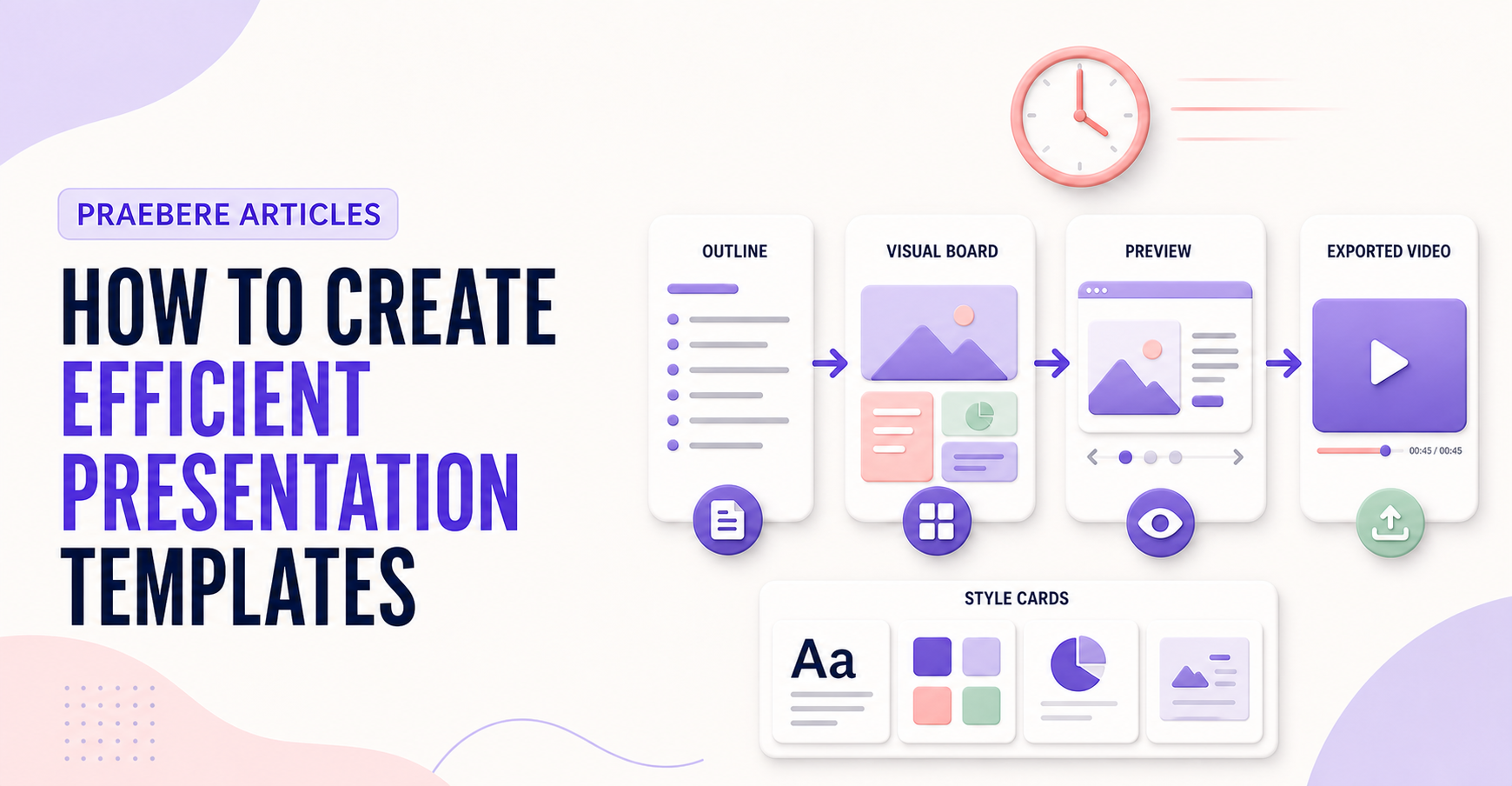
Keep optional decoration separate from essential structure. Praebere ready-made styles and ordered visual paths can support a reusable system while authors retain control over the content and sequence.
Build templates with masters, placeholders, and governance
A production template should define slide size, masters or shared layouts, theme fonts, color roles, placeholders, spacing, and recurring components. Placeholders are safer than manually positioned text boxes because they communicate intended content and allow global changes. Include layouts for common edge cases such as long titles, data-heavy explanations, and image-free slides.
Publish the template as a protected reusable source rather than asking people to overwrite a sample presentation. Assign an owner, version, change log, and review interval. Test the template with keyboard navigation, reading order, different languages, realistic content lengths, and the export formats the organization actually uses.
- Use shared masters and layouts for global consistency
- Define semantic color and typography roles
- Test realistic content and accessibility edge cases
- Version the template and document when each layout should be used
Technical implementation notes
Productivity comes from reusable decisions, not from skipping validation. Separate content, data, style, media, and output configuration; standardize stable parts; and keep variable information linked to an identifiable source and owner.
Use templates, naming conventions, metadata, version history, and approval states. Automate only repeatable operations with defined inputs and outputs, then retain human review for factual accuracy, accessibility, permissions, and the final audience experience. The most relevant concepts here are presentation templates, efficient slide templates, template design. Define them when first used and apply each term consistently to an observable element, rule, or outcome.
- Reusable assets have owners and versions
- Variable facts retain source and review date
- Automation logs inputs, outputs, and failures
- Approved output is distinguishable from drafts
Worked example: How to Create Efficient Presentation Templates
Imagine a team producing a weekly operations update. Store an approved template with semantic layouts, connect each metric to a named source, assign owners for narrative and accessibility, and generate a dated draft from validated inputs while preserving version history.
Before release, a reviewer checks changed facts, broken links, overflow, reading order, and permissions. If automation fails halfway, the previous approved export remains available and the log identifies which input or operation failed.
Conclusion
Taken together, design for real content patterns, encode decisions and explain the exceptions, and build templates with masters, placeholders, and governance show that “How to Create Efficient Presentation Templates” is not an isolated technique. The article connected its central principles to implementation details and a practical case, making the tradeoffs easier to see.
Our judgment after considering the full article is that speed and reuse create value only when sources, ownership, versions, accessibility, and approval remain controlled. Faster production should remove repetition, not remove judgment.
Create the visual journey
Turn your process into a presentation
Build the diagram, choose the sequence, add narration or webcam video, and preview the camera movement in your browser.
Open Praebere