
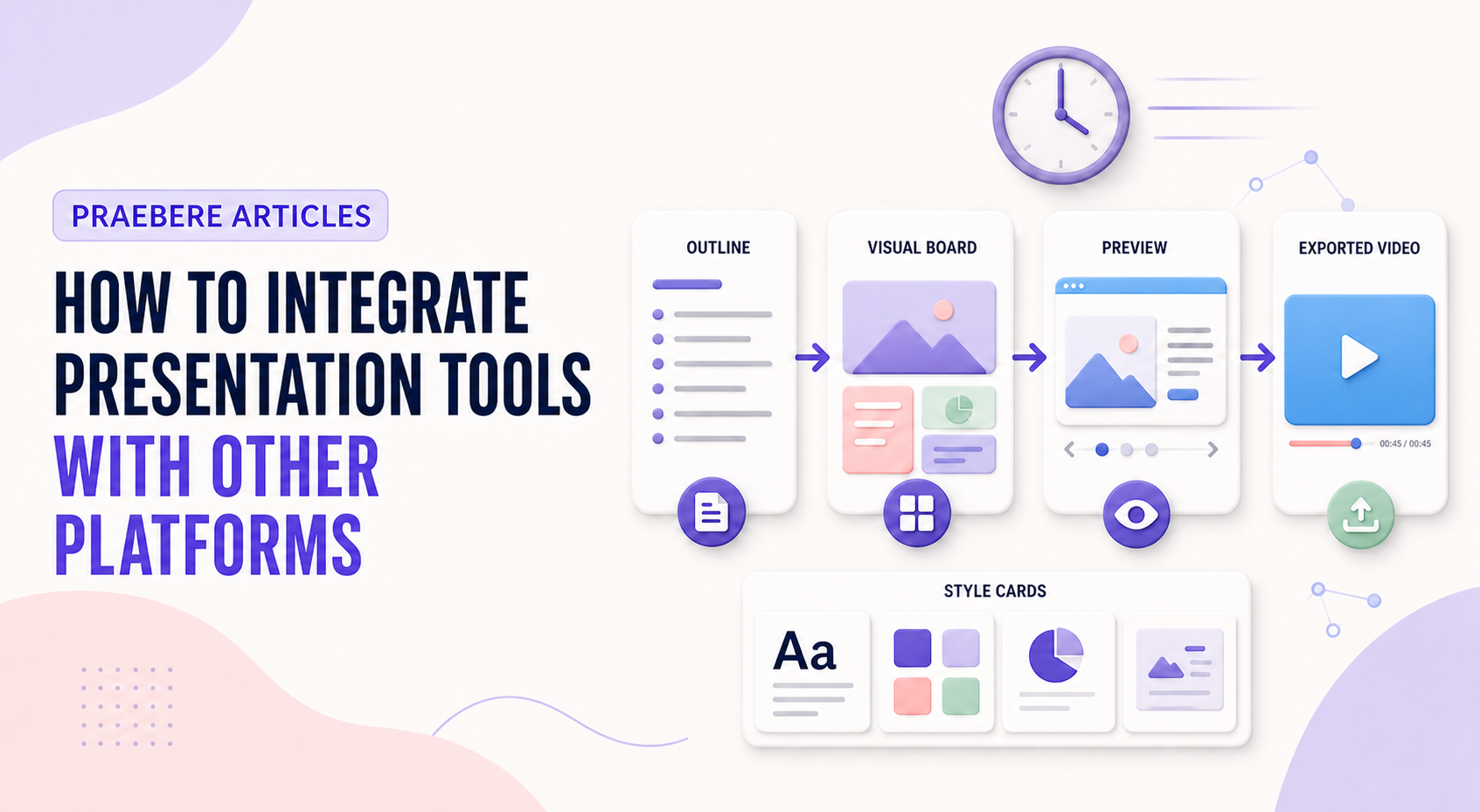
The practical decisions behind “How to Integrate Presentation Tools With Other Platforms”
Treat “How to Integrate Presentation Tools With Other Platforms” as a communication problem whose first layer appears in “Define what crosses each boundary.” Productivity comes from reusable decisions, not from skipping validation.
The practical challenge begins when general advice meets real content, real constraints, and a real audience. Which decisions can be reused or automated safely, and which facts still require human judgment? How will the team control sources, versions, permissions, accessibility, failures, and approval while trying to work faster? The sections ahead use these questions to move from the central idea to concrete decisions, technical criteria, and an applied example.
Define what crosses each boundary
Map the source of truth for text, data, media, approvals, and published files. Decide whether an integration copies content, embeds it, links to it, or synchronizes it; each choice has different permissions and update behavior.
Prefer structured inputs and documented formats. A clear handoff contract prevents silent changes, duplicated files, broken links, and confusion about which system owns the latest version.
Protect quality, privacy, and recoverability
Test authentication, access revocation, failure states, data retention, accessibility, and export fidelity. Keep an auditable version of the source material and a fallback path when an external service is unavailable.
For Praebere projects, use supported media and export formats deliberately, and verify the final output in its destination platform. Integration is successful when the audience receives the intended experience, not merely when a file transfers.
Treat every integration as an API and security contract
Define the objects and operations the integration needs: create a presentation, add or update elements, upload media, read comments, or export a file. Batch operations can reduce network overhead, but they also need clear error reporting so one malformed request does not leave a document half updated. Use stable identifiers rather than slide positions whenever the platform supports them.
Request the smallest authorization scope that works, store credentials securely, and plan for token expiration and revoked access. Respect rate limits, retention rules, data residency, and third-party terms. Monitor schema changes and deprecations, and maintain a fallback export so a presentation remains available when an external platform is unavailable.
- Document source and destination ownership for every field
- Use least-privilege access and secure credential storage
- Handle rate limits, version changes, and partial failures
- Test the complete audience experience after transfer
Technical implementation notes
Productivity comes from reusable decisions, not from skipping validation. Separate content, data, style, media, and output configuration; standardize stable parts; and keep variable information linked to an identifiable source and owner.
Use templates, naming conventions, metadata, version history, and approval states. Automate only repeatable operations with defined inputs and outputs, then retain human review for factual accuracy, accessibility, permissions, and the final audience experience. The most relevant concepts here are presentation integrations, presentation workflow integration, connect presentation tools. Define them when first used and apply each term consistently to an observable element, rule, or outcome.
- Reusable assets have owners and versions
- Variable facts retain source and review date
- Automation logs inputs, outputs, and failures
- Approved output is distinguishable from drafts
Worked example: How to Integrate Presentation Tools With Other Platforms
Imagine a team producing a weekly operations update. Store an approved template with semantic layouts, connect each metric to a named source, assign owners for narrative and accessibility, and generate a dated draft from validated inputs while preserving version history.
Before release, a reviewer checks changed facts, broken links, overflow, reading order, and permissions. If automation fails halfway, the previous approved export remains available and the log identifies which input or operation failed.
Conclusion
From define what crosses each boundary to treat every integration as an api and security contract, the discussion treated “How to Integrate Presentation Tools With Other Platforms” as a set of connected decisions. The example demonstrated how those decisions influence the result when real constraints and edge cases appear.
The strongest takeaway, in our opinion, is that speed and reuse create value only when sources, ownership, versions, accessibility, and approval remain controlled. Faster production should remove repetition, not remove judgment.
Create the visual journey
Turn your process into a presentation
Build the diagram, choose the sequence, add narration or webcam video, and preview the camera movement in your browser.
Open Praebere