
The practical decisions behind “How to Create Presentations Faster”
The visible choices in “How to Create Presentations Faster” grow from the earlier decision described by “Define the outcome before opening the editor.” Productivity comes from reusable decisions, not from skipping validation.
The practical challenge begins when general advice meets real content, real constraints, and a real audience. Which decisions can be reused or automated safely, and which facts still require human judgment? How will the team control sources, versions, permissions, accessibility, failures, and approval while trying to work faster? The sections ahead use these questions to move from the central idea to concrete decisions, technical criteria, and an applied example.
Define the outcome before opening the editor
Write the audience, purpose, central message, and desired action in a few sentences. Collect the essential evidence and decide what can remain in supporting material. Clear scope prevents time from being spent polishing content that the final presentation does not need.
Create a rough sequence using plain headings or a simple flow. Test whether each section leads logically to the next before choosing colors, imagery, or transitions.
Work in focused passes instead of perfecting one screen at a time
Draft the complete structure, then refine content, layout, visual consistency, and motion in separate passes. This reveals repeated problems and makes global decisions easier to apply.
Leave placeholders for missing evidence rather than interrupting every design decision to search for it. Keep a short list of unresolved items and address them together.
Reuse a visual system, not old mistakes
Define a small set of type sizes, colors, spacing rules, chart treatments, and component styles. Templates and ready-made styles save time when they express current content rather than forcing it into an irrelevant structure.
Duplicate components that are genuinely equivalent, then replace every placeholder deliberately. Reusing an entire old presentation can carry outdated facts, inconsistent terminology, hidden objects, and unnecessary sections into the new work.
Automate repeated production while preserving authorship
Use alignment, snapping, shared styles, automatic layout, and reusable export settings for mechanical tasks. Preview the complete presentation once the structure is stable and revise only movements or frames that do not support the message.
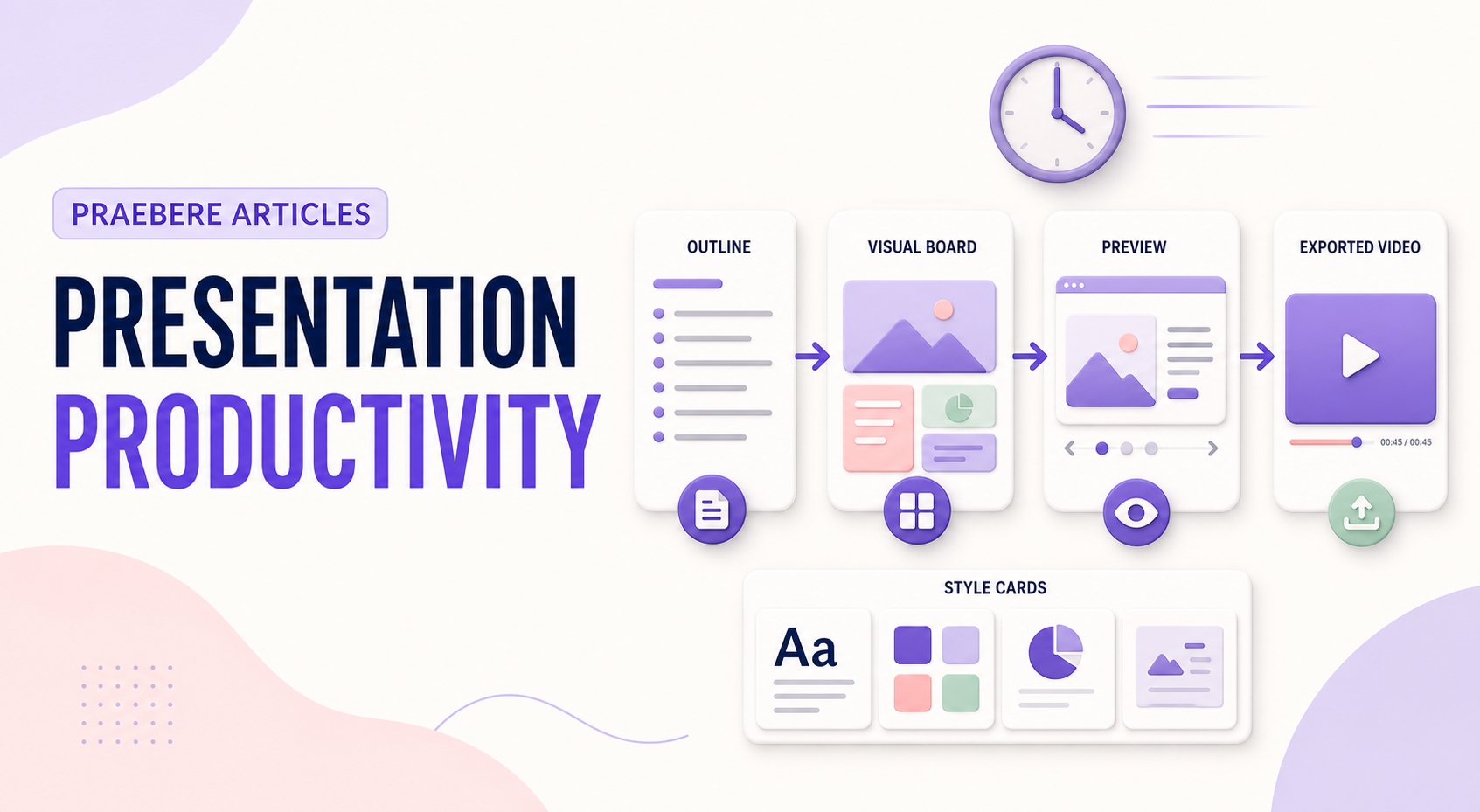
Praebere helps reduce repeated video-editing work by turning an ordered visual board into camera movement and transitions, with optional narration or webcam video. It does not use AI to invent the presentation: the author creates the diagram, content, sequence, and visual choices, while the tool handles the repeatable production steps.
Technical implementation notes
Productivity comes from reusable decisions, not from skipping validation. Separate content, data, style, media, and output configuration; standardize stable parts; and keep variable information linked to an identifiable source and owner.
Use templates, naming conventions, metadata, version history, and approval states. Automate only repeatable operations with defined inputs and outputs, then retain human review for factual accuracy, accessibility, permissions, and the final audience experience. The most relevant concepts here are create presentations faster, presentation workflow, speed up slide design. Define them when first used and apply each term consistently to an observable element, rule, or outcome.
- Reusable assets have owners and versions
- Variable facts retain source and review date
- Automation logs inputs, outputs, and failures
- Approved output is distinguishable from drafts
Worked example: How to Create Presentations Faster
Imagine a team producing a weekly operations update. Store an approved template with semantic layouts, connect each metric to a named source, assign owners for narrative and accessibility, and generate a dated draft from validated inputs while preserving version history.
Before release, a reviewer checks changed facts, broken links, overflow, reading order, and permissions. If automation fails halfway, the previous approved export remains available and the log identifies which input or operation failed.
Conclusion
The path through define the outcome before opening the editor, work in focused passes instead of perfecting one screen at a time, reuse a visual system, not old mistakes, and automate repeated production while preserving authorship brings the article back to one practical concern: how “How to Create Presentations Faster” behaves outside an ideal example. The technical checks and worked scenario turn the guidance into something a reader can evaluate and apply.
In our view, speed and reuse create value only when sources, ownership, versions, accessibility, and approval remain controlled. Faster production should remove repetition, not remove judgment.
Create the visual journey
Turn your process into a presentation
Build the diagram, choose the sequence, add narration or webcam video, and preview the camera movement in your browser.
Open Praebere