
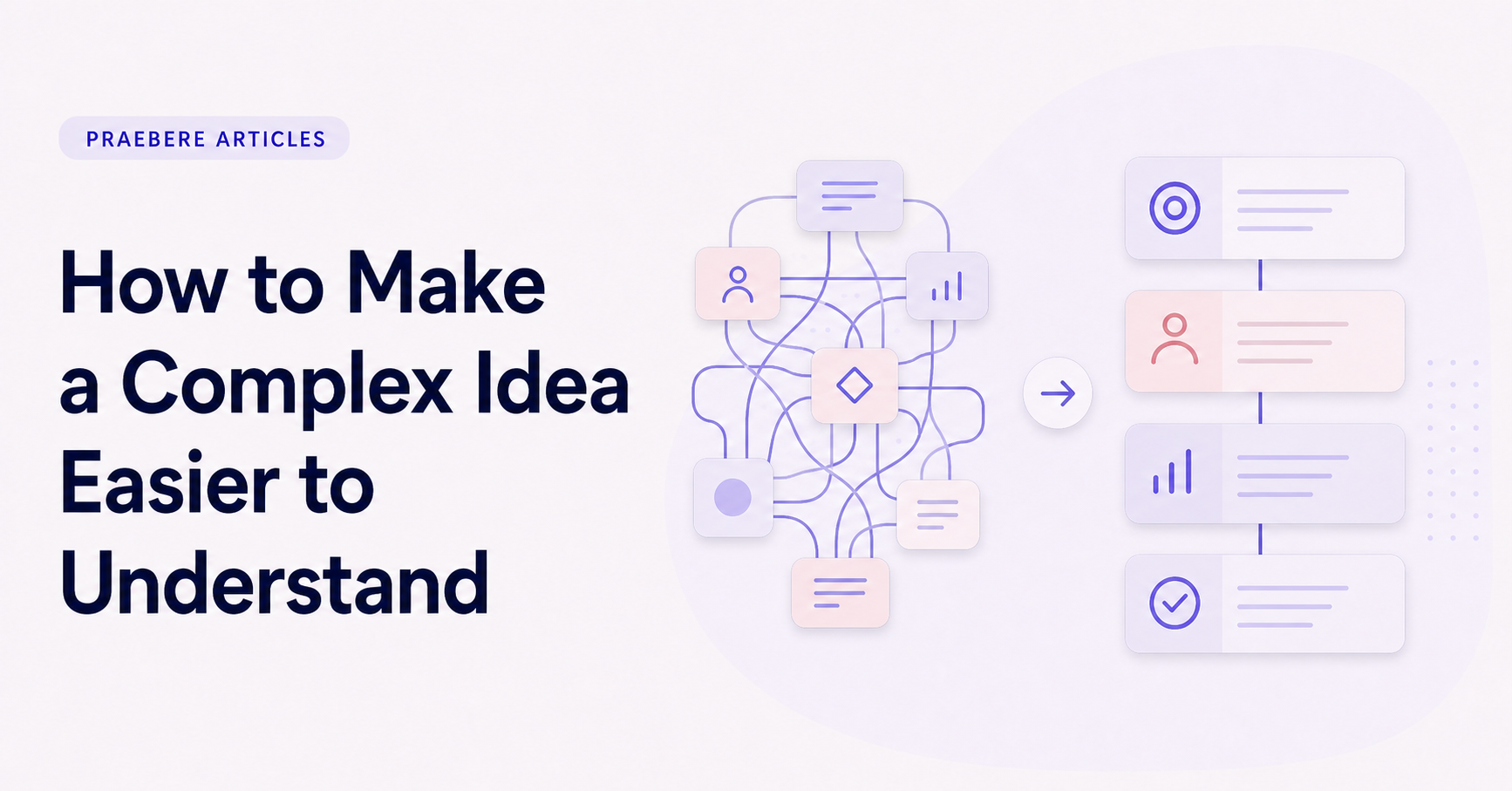
The practical decisions behind “How to Make a Complex Idea Easier to Understand”
One issue sets the direction for “How to Make a Complex Idea Easier to Understand”: “Define what the audience needs to understand.” Translate the communication goal into an audience action: understand, compare, decide, remember, or perform.
The practical challenge begins when general advice meets real content, real constraints, and a real audience. What question carries the audience from the opening to the conclusion, and why should the answer matter to them? How can context, evidence, tension, examples, and resolution form a coherent path without manipulating or oversimplifying the facts? The sections ahead use these questions to move from the central idea to concrete decisions, technical criteria, and an applied example.
Define what the audience needs to understand
Complexity is not always a problem to eliminate. A system may contain several actors, dependencies, exceptions, and outcomes because the subject genuinely requires them. The useful goal is to make those relationships understandable, not to make the idea look artificially simple.
Begin by defining what the audience should be able to explain, decide, or do after the presentation. A technical team may need the complete decision logic, while an executive audience may need the main trade-offs and consequences. The same subject can require different levels of detail without changing the underlying facts.
Find the core structure inside the idea
List the important concepts before designing the explanation. Then identify how they relate: cause and effect, sequence, hierarchy, comparison, dependency, or feedback. These relationships determine the visual form more reliably than choosing a template first.
Write one sentence that expresses the central idea. Every section should either establish that statement, explain how it works, or show why it matters. Material that does not support the main purpose can move to a reference document or a separate presentation.
- Use a flowchart for actions and decisions.
- Use a map for connected concepts.
- Use a timeline for change over time.
- Use a comparison for alternatives and trade-offs.
Build the explanation in layers
Start with the smallest complete version of the idea: the beginning, the main transformation, and the result. Add detail only after the audience understands that frame. This prevents definitions and exceptions from arriving before there is a structure to hold them.
Layers do not require hiding important information. They control when information appears. A process overview can establish the complete path, followed by closer views of decisions, handoffs, or failure states. Each layer should answer one question and prepare the next.
Replace abstraction with concrete language and examples
Abstract terms are often necessary, but they become easier to understand when connected to observable actions. Instead of saying that a system “optimizes resource allocation,” show who makes a choice, what information is used, and what changes as a result.
Use examples to demonstrate the rule, not to replace it. A single scenario can make a concept memorable, but the audience should still know which parts are general and which belong only to the example. Label assumptions and exceptions so clarity does not come at the cost of accuracy.
Guide attention through the visual explanation
A static diagram can show the complete system, but a presentation needs an intentional route. Move from context to the main path, pause at important decisions, and reveal secondary branches when they become relevant. Narration should explain meaning while the visual shows structure.
Praebere can turn that ordered diagram into a guided video presentation. You choose the sequence, framing, and supporting narration or webcam clips, while camera movement and transitions connect the steps. The tool does not simplify the idea for you; it helps present your structure one understandable part at a time.
Technical implementation notes
Translate the communication goal into an audience action: understand, compare, decide, remember, or perform. Build a claim-evidence-reasoning chain and distinguish observed facts, interpretation, assumptions, uncertainty, and recommendations.
Use progressive disclosure: context first, then the model, evidence, exceptions, and implications. Define unfamiliar terms, keep labels close to what they describe, and test whether a reader can reconstruct the intended logic without the presenter present. The most relevant concepts here are explain complex ideas, visual explanation, simplify complex information. Define them when first used and apply each term consistently to an observable element, rule, or outcome.
- Audience and intended action are explicit
- Claims remain connected to evidence
- Assumptions and uncertainty are labeled
- Sequence ends with a clear implication or next step
Worked example: How to Make a Complex Idea Easier to Understand
Consider a proposal to reduce customer wait time. Open with the current customer journey and measured delay, explain the operational bottleneck, compare two credible interventions, and reveal the recommendation only after the decision criteria and evidence are visible.
Keep observed data separate from interpretation and state the assumptions behind the forecast. The ending should resolve the opening question with an owner, next action, and measure of success, so narrative structure supports a real decision rather than manufacturing suspense.
Conclusion
Seen as a whole, the sections on define what the audience needs to understand, find the core structure inside the idea, build the explanation in layers, replace abstraction with concrete language and examples, and guide attention through the visual explanation move from explanation to application. They show that “How to Make a Complex Idea Easier to Understand” depends on both a clear concept and disciplined execution.
The strongest takeaway, in our opinion, is that clear visual communication combines purposeful structure, accurate information, meaningful examples, and validation with the intended audience. Looking coherent is not enough; the result should help people understand and use the idea correctly.
Create the visual journey
Turn your process into a presentation
Build the diagram, choose the sequence, add narration or webcam video, and preview the camera movement in your browser.
Open Praebere