
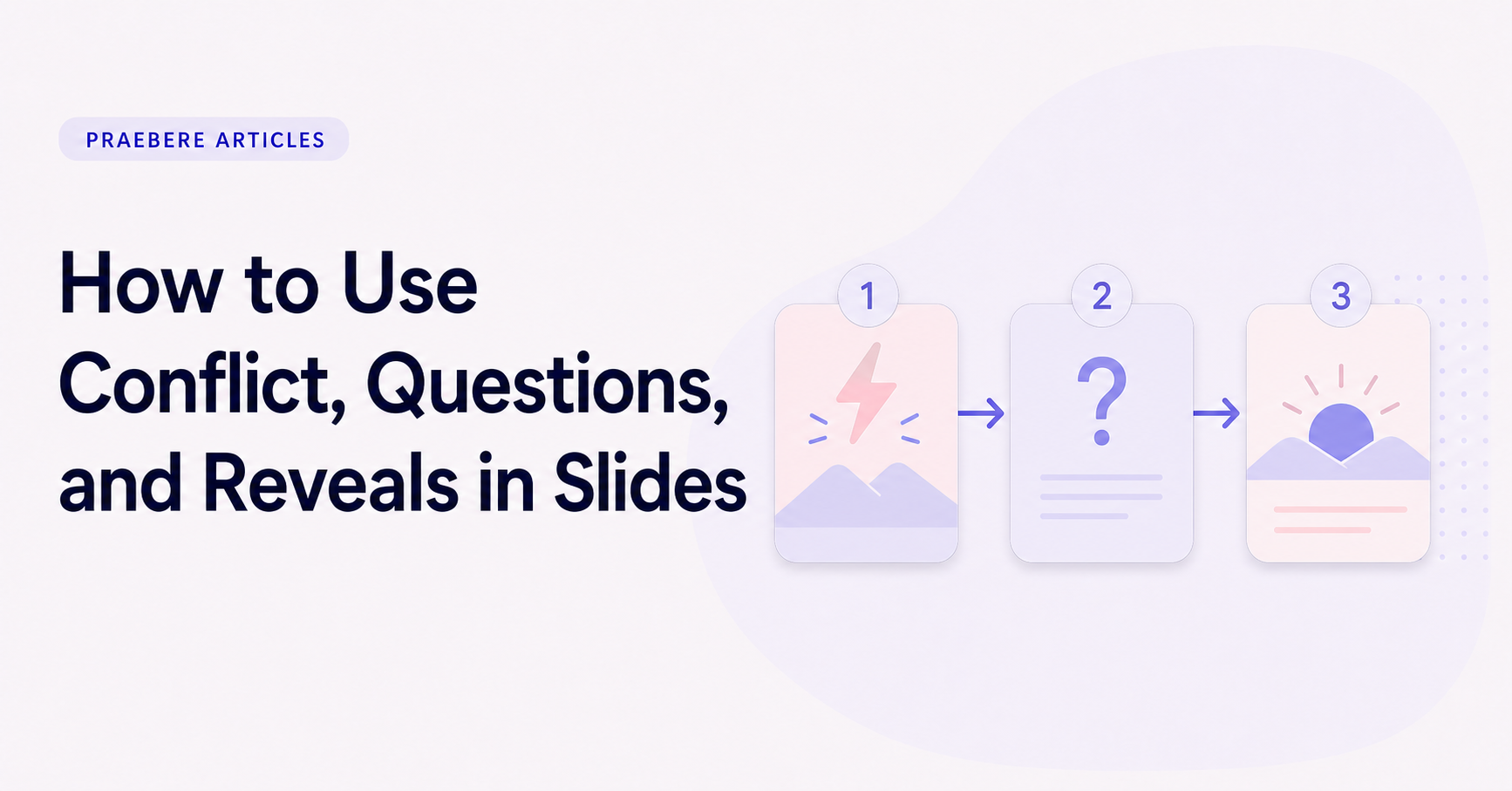
The practical decisions behind “How to Use Conflict, Questions, and Reveals in Slides”
The most useful entry point into “How to Use Conflict, Questions, and Reveals in Slides” is not decoration, but the problem captured by “Treat conflict as meaningful tension.” Translate the communication goal into an audience action: understand, compare, decide, remember, or perform.
The practical challenge begins when general advice meets real content, real constraints, and a real audience. What question carries the audience from the opening to the conclusion, and why should the answer matter to them? How can context, evidence, tension, examples, and resolution form a coherent path without manipulating or oversimplifying the facts? The sections ahead use these questions to move from the central idea to concrete decisions, technical criteria, and an applied example.
Treat conflict as meaningful tension
Conflict in a presentation does not require confrontation. It can be the gap between a goal and the current result, a choice between competing priorities, or a process that produces an unwanted outcome. This tension gives the audience a reason to care about what happens next.
Use conflict only when it is supported by the subject. Exaggerating a minor issue may create short-term urgency but weakens trust. State the constraint accurately, show who or what it affects, and explain why the existing approach is not enough.
Use questions to focus the next section
A useful question narrows attention. It tells the audience what to look for in the evidence that follows. “Which stage causes the delay?” creates a clearer viewing task than a broad question such as “What do you think?”
Questions can open a presentation, connect chapters, or introduce a decision. Do not fill every slide with rhetorical questions. Each one should lead to an answer, a choice, or a productive area of uncertainty.
- What changed?
- Why is the current result happening?
- Which constraint matters most?
- What would each option change?
Reveal information when the audience is ready for it
A reveal works because the presentation has created a specific expectation. Establish the question first, provide the information needed to consider it, and then show the answer or consequence. Hiding information without building context creates surprise but not understanding.
The reveal may be a number, a process branch, a comparison, or a recommended action. Keep the visual moment simple enough for the audience to recognize what changed. A crowded slide weakens the contrast between before and after.
Connect tension to a credible resolution
After presenting a conflict, show how the proposed response addresses it. Avoid moving directly from a dramatic problem to an unsupported solution. The middle of the presentation should make the reasoning visible through evidence, criteria, and trade-offs.
Not every conflict has a complete resolution. If uncertainty remains, state what is known, what needs to be tested, and which next action reduces the uncertainty. An honest partial resolution is more useful than a false sense of certainty.
Build questions and reveals into the visual sequence
A flowchart naturally supports this pattern: introduce a decision, pause on the question, then follow the relevant path to its consequence. Camera movement can reveal the next element while keeping the relationship to the original decision visible.
In Praebere, you can choose that order directly on the board and attach narration or webcam video to the appropriate steps. The presentation gains momentum from the logic of the diagram, while you remain responsible for the questions, evidence, and conclusions.
Technical implementation notes
Translate the communication goal into an audience action: understand, compare, decide, remember, or perform. Build a claim-evidence-reasoning chain and distinguish observed facts, interpretation, assumptions, uncertainty, and recommendations.
Use progressive disclosure: context first, then the model, evidence, exceptions, and implications. Define unfamiliar terms, keep labels close to what they describe, and test whether a reader can reconstruct the intended logic without the presenter present. The most relevant concepts here are conflict in presentations, questions in slides, presentation reveals. Define them when first used and apply each term consistently to an observable element, rule, or outcome.
- Audience and intended action are explicit
- Claims remain connected to evidence
- Assumptions and uncertainty are labeled
- Sequence ends with a clear implication or next step
Worked example: How to Use Conflict, Questions, and Reveals in Slides
Consider a proposal to reduce customer wait time. Open with the current customer journey and measured delay, explain the operational bottleneck, compare two credible interventions, and reveal the recommendation only after the decision criteria and evidence are visible.
Keep observed data separate from interpretation and state the assumptions behind the forecast. The ending should resolve the opening question with an owner, next action, and measure of success, so narrative structure supports a real decision rather than manufacturing suspense.
Conclusion
Seen as a whole, the sections on treat conflict as meaningful tension, use questions to focus the next section, reveal information when the audience is ready for it, connect tension to a credible resolution, and build questions and reveals into the visual sequence move from explanation to application. They show that “How to Use Conflict, Questions, and Reveals in Slides” depends on both a clear concept and disciplined execution.
In our view, storytelling in presentations should clarify the path from context to resolution, not manufacture suspense. Narrative earns its place when it helps the audience understand why the evidence matters and where it leads.
Create the visual journey
Turn your process into a presentation
Build the diagram, choose the sequence, add narration or webcam video, and preview the camera movement in your browser.
Open Praebere