
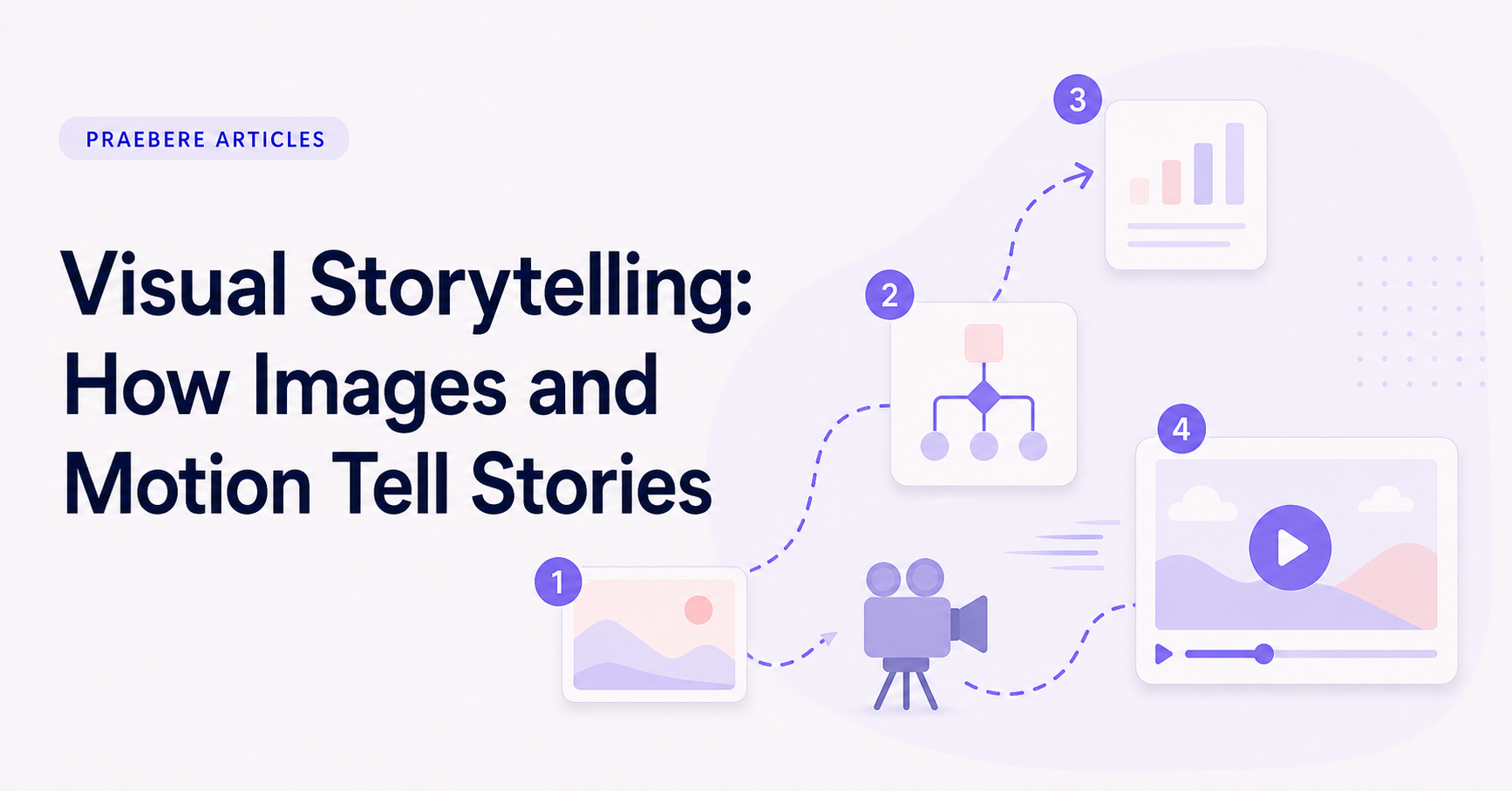
A closer look at the decisions behind “Visual Storytelling: How Images and Motion Tell Stories”
The work behind “Visual Storytelling: How Images and Motion Tell Stories” starts with a practical concern captured by “Visual storytelling is more than attractive imagery.” Translate the communication goal into an audience action: understand, compare, decide, remember, or perform.
The practical challenge begins when general advice meets real content, real constraints, and a real audience. What information does the movement reveal that a static frame cannot show as clearly? Where should the eye land, how long does orientation take, and what happens for viewers who prefer or require reduced motion? The sections ahead use these questions to move from the central idea to concrete decisions, technical criteria, and an applied example.
Visual storytelling is more than attractive imagery
A visual story uses what the audience sees, where it looks, and when information appears to communicate meaning. An image can establish context, a diagram can reveal a relationship, and a change in composition can show that the situation has moved forward.
The story does not come from adding illustrations to finished text. Words, images, space, and sequence need distinct roles. When every element repeats the same information, the result feels decorative; when they complement one another, the audience can see and understand the idea at the same time.
Composition directs attention
Size, contrast, position, and empty space establish what matters in the current moment. A dominant element can introduce the subject, while smaller connected elements provide context or consequences. The visual hierarchy should match the narrative priority.
Keep relationships spatially consistent. If a team, system, or stage appears in several parts of the story, preserve enough visual continuity for the audience to recognize it. Repeated colors, shapes, and positions can act like recurring characters or locations.
- Use proximity to show belonging.
- Use contrast to mark a change or decision.
- Use repetition to preserve identity.
- Use space to separate chapters and ideas.
Sequence turns images into a story
Two visuals shown in order invite the audience to connect them. That makes sequence powerful, but it also creates responsibility: an unclear order can imply a relationship that the content does not support. Make transitions explicit when causality, time, or responsibility matters.
Reveal information at the moment it becomes useful. Showing the complete system at once can work as an overview, but the explanation should still guide the audience through a deliberate path. Each visual beat should change what the viewer knows.
Give every movement a job
Motion can reveal direction, maintain continuity, compare states, or focus attention. A camera move from one connected shape to another reinforces that the ideas belong to the same process. A zoom can introduce detail without losing the larger map.
Movement becomes distracting when it exists only to make the presentation feel active. Use a steady visual rhythm, reduce abrupt changes, and allow important frames enough time to be understood. The audience should notice the idea before it notices the effect.
Combine visuals, motion, and voice deliberately
Narration can explain motivation, uncertainty, and emphasis while the screen shows relationships and change. A webcam clip can add human presence at selected moments, such as an introduction or conclusion, without covering the visual structure throughout the story.
Praebere is built around this combination. You arrange the visual story on a board, choose the order, add voice or webcam video, and let the camera follow the sequence with zoom and transitions. The result feels edited because the visual structure determines the movement, while the story and its meaning remain yours.
Technical implementation notes
Translate the communication goal into an audience action: understand, compare, decide, remember, or perform. Build a claim-evidence-reasoning chain and distinguish observed facts, interpretation, assumptions, uncertainty, and recommendations.
Use progressive disclosure: context first, then the model, evidence, exceptions, and implications. Define unfamiliar terms, keep labels close to what they describe, and test whether a reader can reconstruct the intended logic without the presenter present. The most relevant concepts here are visual storytelling, motion storytelling, storytelling with images. Define them when first used and apply each term consistently to an observable element, rule, or outcome.
- Audience and intended action are explicit
- Claims remain connected to evidence
- Assumptions and uncertainty are labeled
- Sequence ends with a clear implication or next step
Worked example: Visual Storytelling: How Images and Motion Tell Stories
Picture a five-step incident-response diagram. Keep the complete map stable, then move the camera to the active node over roughly the time needed to orient the viewer. Reveal the outgoing connector only when explaining the handoff, and pause before changing direction at a decision.
Compare the animated version with a static overview. If movement does not clarify sequence, state change, or spatial relationship, remove it. Also preview a reduced-motion treatment using cuts or gentle fades so the explanation does not depend on sweeping zooms.
Conclusion
Taken together, visual storytelling is more than attractive imagery, composition directs attention, sequence turns images into a story, give every movement a job, and combine visuals, motion, and voice deliberately show that “Visual Storytelling: How Images and Motion Tell Stories” is not an isolated technique. The article connected its central principles to implementation details and a practical case, making the tradeoffs easier to see.
The strongest takeaway, in our opinion, is that storytelling in presentations should clarify the path from context to resolution, not manufacture suspense. Narrative earns its place when it helps the audience understand why the evidence matters and where it leads.
Create the visual journey
Turn your process into a presentation
Build the diagram, choose the sequence, add narration or webcam video, and preview the camera movement in your browser.
Open Praebere