
The practical decisions behind “How to Automate Repetitive Presentation Tasks”
The most useful entry point into “How to Automate Repetitive Presentation Tasks” is not decoration, but the problem captured by “Automate stable, repeatable steps.” Productivity comes from reusable decisions, not from skipping validation.
The practical challenge begins when general advice meets real content, real constraints, and a real audience. Which decisions can be reused or automated safely, and which facts still require human judgment? How will the team control sources, versions, permissions, accessibility, failures, and approval while trying to work faster? The sections ahead use these questions to move from the central idea to concrete decisions, technical criteria, and an applied example.
Automate stable, repeatable steps
Good candidates include importing structured data, applying shared styles, aligning objects, naming exports, checking links, and producing standard formats. Document the current workflow first so automation does not accelerate a broken process.
Keep interpretation outside the automatic path. Choosing the central message, explaining uncertainty, and deciding what the audience should do require context that a mechanical rule cannot supply.
Build validation into the workflow
Use a sample with missing values, long labels, unusual aspect ratios, and outdated inputs. Add checkpoints for facts, reading order, contrast, timing, and output quality.
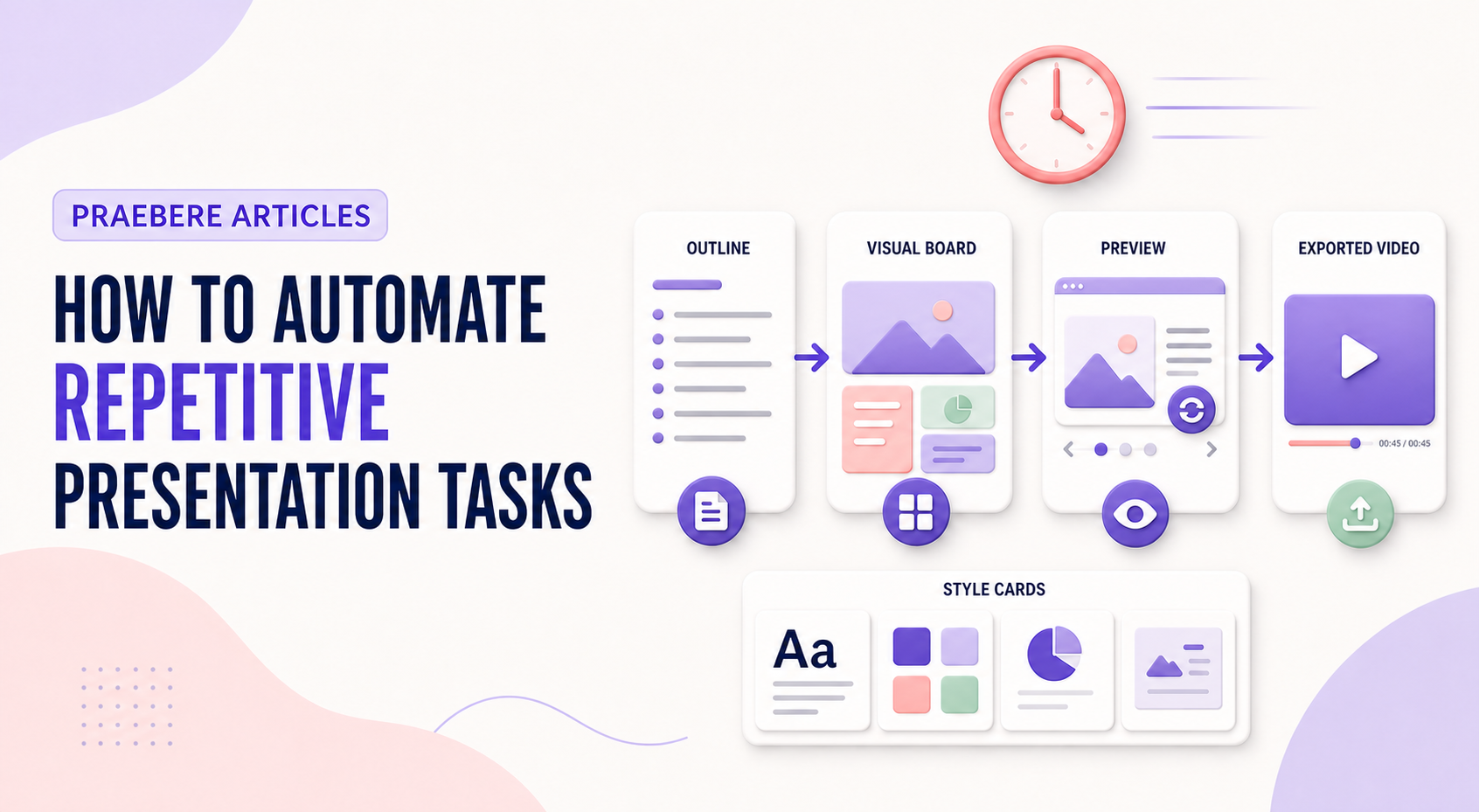
Praebere automates the repeatable production of camera movement and transitions from an author-defined visual sequence. Preview the entire result before export, especially after content or timing changes.
Choose the right automation architecture
Presentation automation can start on demand, on a schedule, or after an event such as a database update. Prefer an official API or connector when one exists because it exposes defined objects and permissions. Screen-level automation can fill gaps, but it is more fragile when interface labels, coordinates, or browser behavior change.
Design for partial failure. Make repeated runs idempotent where possible, validate required data, log the input version and generated output, and define retries, timeouts, notifications, and manual recovery. Use a staging copy before altering a trusted presentation, and never automate publication without a final check of facts, layout, accessibility, and permissions.
- Select manual, scheduled, or event-driven triggers
- Prefer supported APIs and connectors over simulated clicks
- Add validation, logging, retry limits, and failure alerts
- Preserve a human approval step before external publication
Technical implementation notes
Productivity comes from reusable decisions, not from skipping validation. Separate content, data, style, media, and output configuration; standardize stable parts; and keep variable information linked to an identifiable source and owner.
Use templates, naming conventions, metadata, version history, and approval states. Automate only repeatable operations with defined inputs and outputs, then retain human review for factual accuracy, accessibility, permissions, and the final audience experience. The most relevant concepts here are presentation automation, automate slide tasks, presentation workflow. Define them when first used and apply each term consistently to an observable element, rule, or outcome.
- Reusable assets have owners and versions
- Variable facts retain source and review date
- Automation logs inputs, outputs, and failures
- Approved output is distinguishable from drafts
Worked example: How to Automate Repetitive Presentation Tasks
Imagine a team producing a weekly operations update. Store an approved template with semantic layouts, connect each metric to a named source, assign owners for narrative and accessibility, and generate a dated draft from validated inputs while preserving version history.
Before release, a reviewer checks changed facts, broken links, overflow, reading order, and permissions. If automation fails halfway, the previous approved export remains available and the log identifies which input or operation failed.
Conclusion
Seen as a whole, the sections on automate stable, repeatable steps, build validation into the workflow, and choose the right automation architecture move from explanation to application. They show that “How to Automate Repetitive Presentation Tasks” depends on both a clear concept and disciplined execution.
Our editorial position is straightforward: speed and reuse create value only when sources, ownership, versions, accessibility, and approval remain controlled. Faster production should remove repetition, not remove judgment.
Create the visual journey
Turn your process into a presentation
Build the diagram, choose the sequence, add narration or webcam video, and preview the camera movement in your browser.
Open Praebere