
The practical decisions behind “How to Work on Presentations Collaboratively”
One issue sets the direction for “How to Work on Presentations Collaboratively”: “Assign decisions, not just tasks.” Productivity comes from reusable decisions, not from skipping validation.
The practical challenge begins when general advice meets real content, real constraints, and a real audience. Which decisions can be reused or automated safely, and which facts still require human judgment? How will the team control sources, versions, permissions, accessibility, failures, and approval while trying to work faster? The sections ahead use these questions to move from the central idea to concrete decisions, technical criteria, and an applied example.
Assign decisions, not just tasks
Name an owner for the narrative, evidence, visual system, accessibility, and final approval. Contributors can work in parallel, but one person must resolve conflicts and protect the central message.
Agree on the audience, desired action, outline, terminology, and source rules before detailed production. Early alignment prevents expensive visual work on content that will later be removed.
Review in focused passes
Separate feedback on accuracy, structure, design, and delivery. Comments should identify the problem and audience impact, while the responsible author chooses the solution.
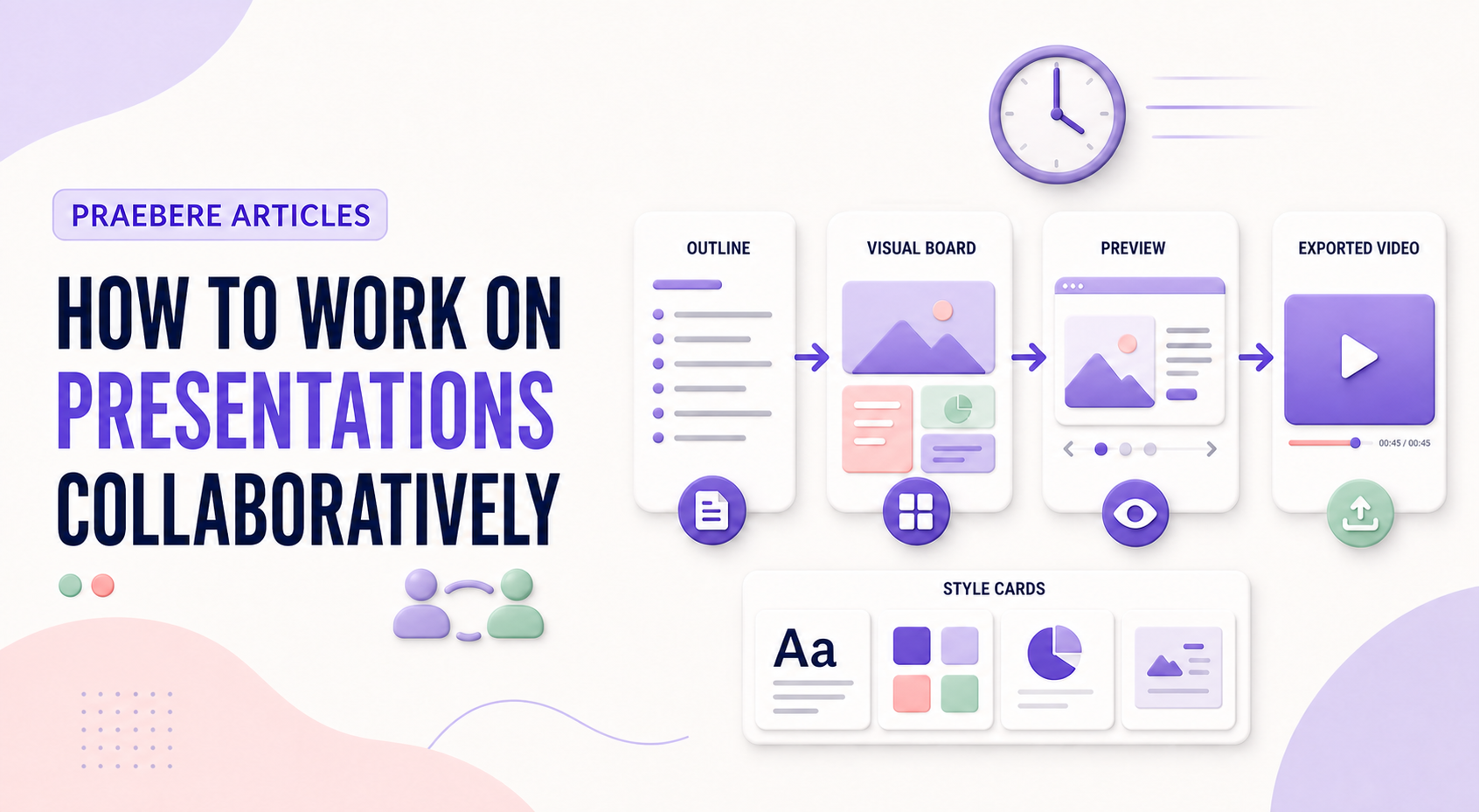
Use named milestones and a single current version. For a Praebere video presentation, review both the board and the complete playback because a clear static composition can still have confusing order, zoom, or timing.
Manage permissions, versions, and disagreement
Use one shared current file when the platform supports simultaneous editing, and grant view, comment, or edit access according to role. Presence indicators reduce collisions, but they do not replace ownership. Divide work by sections or decisions, avoid editing the same element at the same time, and use version history instead of circulating attachment names such as “final-v7.”
Set a review deadline and a conflict-resolution rule before comments arrive. Consolidate duplicate feedback, distinguish required corrections from preferences, and record why significant decisions were made. Before publishing, remove unresolved comments, verify external sharing, inspect hidden notes, and create an approved immutable export.
- Use a single source of truth and appropriate access levels
- Assign narrative, evidence, design, accessibility, and approval owners
- Review accuracy, structure, visuals, and delivery in separate passes
- Freeze and identify the approved release
Technical implementation notes
Productivity comes from reusable decisions, not from skipping validation. Separate content, data, style, media, and output configuration; standardize stable parts; and keep variable information linked to an identifiable source and owner.
Use templates, naming conventions, metadata, version history, and approval states. Automate only repeatable operations with defined inputs and outputs, then retain human review for factual accuracy, accessibility, permissions, and the final audience experience. The most relevant concepts here are collaborative presentations, presentation teamwork, slide review workflow. Define them when first used and apply each term consistently to an observable element, rule, or outcome.
- Reusable assets have owners and versions
- Variable facts retain source and review date
- Automation logs inputs, outputs, and failures
- Approved output is distinguishable from drafts
Worked example: How to Work on Presentations Collaboratively
Imagine a team producing a weekly operations update. Store an approved template with semantic layouts, connect each metric to a named source, assign owners for narrative and accessibility, and generate a dated draft from validated inputs while preserving version history.
Before release, a reviewer checks changed facts, broken links, overflow, reading order, and permissions. If automation fails halfway, the previous approved export remains available and the log identifies which input or operation failed.
Conclusion
Seen as a whole, the sections on assign decisions, not just tasks, review in focused passes, and manage permissions, versions, and disagreement move from explanation to application. They show that “How to Work on Presentations Collaboratively” depends on both a clear concept and disciplined execution.
For us, the idea reaches its most useful conclusion here: speed and reuse create value only when sources, ownership, versions, accessibility, and approval remain controlled. Faster production should remove repetition, not remove judgment.
Create the visual journey
Turn your process into a presentation
Build the diagram, choose the sequence, add narration or webcam video, and preview the camera movement in your browser.
Open Praebere