
The practical decisions behind “How to Reuse Presentations Without Losing Quality”
A polished result is only the visible surface of “How to Reuse Presentations Without Losing Quality”; underneath it sits the challenge framed by “Reuse the system, not the finished message.” Productivity comes from reusable decisions, not from skipping validation.
The practical challenge begins when general advice meets real content, real constraints, and a real audience. Which decisions can be reused or automated safely, and which facts still require human judgment? How will the team control sources, versions, permissions, accessibility, failures, and approval while trying to work faster? The sections ahead use these questions to move from the central idea to concrete decisions, technical criteria, and an applied example.
Reuse the system, not the finished message
Separate durable assets—layouts, type scales, colors, chart treatments, and transitions—from content written for one event. A reusable presentation is a design system with replaceable evidence, not an old deck with a new title.
Begin with the new audience, decision, and context. Keep only slides whose purpose still belongs in that story, then rebuild examples and explanations around the current need.
Audit content before polishing it
Check dates, data sources, names, screenshots, links, terminology, accessibility, and brand rules. Remove hidden objects and speaker notes that no longer apply. A factual review should happen before visual refinement.
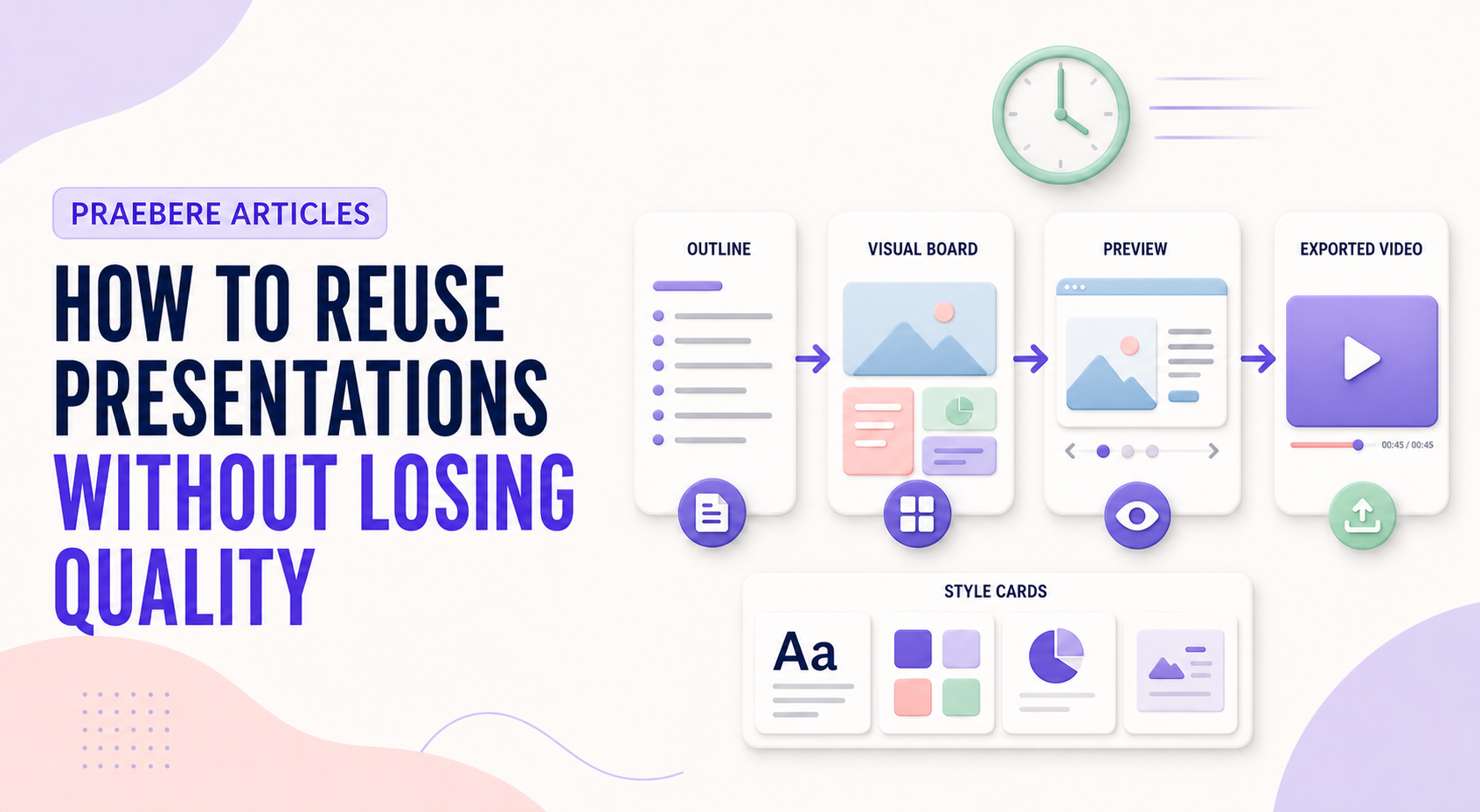
In Praebere, duplicate useful structures or styles, then review the ordered path and video preview as a complete experience. Reuse saves time only when every retained element remains intentional.
Control what happens to formatting and embedded assets
When slides move between files, decide whether they should inherit the destination theme or retain source formatting. Inheriting the destination theme improves consistency, while retaining source formatting protects layouts that depend on a specialized visual system. Either choice still requires inspection because fonts, masters, media, and aspect ratios can behave differently in the new file.
Treat copied slides as independent content. Updates to the source do not automatically repair the copy, so record the source, owner, and reuse date. Check embedded fonts, image resolution, charts linked to external workbooks, video codecs, speaker notes, accessibility metadata, and export quality before publication.
- Choose destination styling or source formatting deliberately
- Replace stale facts, screenshots, links, and permissions
- Check fonts, media, charts, notes, reading order, and export quality
- Keep provenance and a review date for reused material
Technical implementation notes
Productivity comes from reusable decisions, not from skipping validation. Separate content, data, style, media, and output configuration; standardize stable parts; and keep variable information linked to an identifiable source and owner.
Use templates, naming conventions, metadata, version history, and approval states. Automate only repeatable operations with defined inputs and outputs, then retain human review for factual accuracy, accessibility, permissions, and the final audience experience. The most relevant concepts here are reuse presentations, repurpose slides, presentation quality. Define them when first used and apply each term consistently to an observable element, rule, or outcome.
- Reusable assets have owners and versions
- Variable facts retain source and review date
- Automation logs inputs, outputs, and failures
- Approved output is distinguishable from drafts
Worked example: How to Reuse Presentations Without Losing Quality
Imagine a team producing a weekly operations update. Store an approved template with semantic layouts, connect each metric to a named source, assign owners for narrative and accessibility, and generate a dated draft from validated inputs while preserving version history.
Before release, a reviewer checks changed facts, broken links, overflow, reading order, and permissions. If automation fails halfway, the previous approved export remains available and the log identifies which input or operation failed.
Conclusion
The path through reuse the system, not the finished message, audit content before polishing it, and control what happens to formatting and embedded assets brings the article back to one practical concern: how “How to Reuse Presentations Without Losing Quality” behaves outside an ideal example. The technical checks and worked scenario turn the guidance into something a reader can evaluate and apply.
Our editorial position is straightforward: speed and reuse create value only when sources, ownership, versions, accessibility, and approval remain controlled. Faster production should remove repetition, not remove judgment.
Create the visual journey
Turn your process into a presentation
Build the diagram, choose the sequence, add narration or webcam video, and preview the camera movement in your browser.
Open Praebere